
Yes, WPBot stands out as one of the strongest WordPress chatbot plugins in 2026 for most site owners. It combines native WordPress integration, flexible AI options, deep WooCommerce support, lifetime licensing, and practical tools for leads and support—without the heavy monthly SaaS bills that plague alternatives.
If you run a WooCommerce store, blog, or service site and want 24/7 engagement that actually converts, this plugin delivers results without complexity.
What is WPBot?
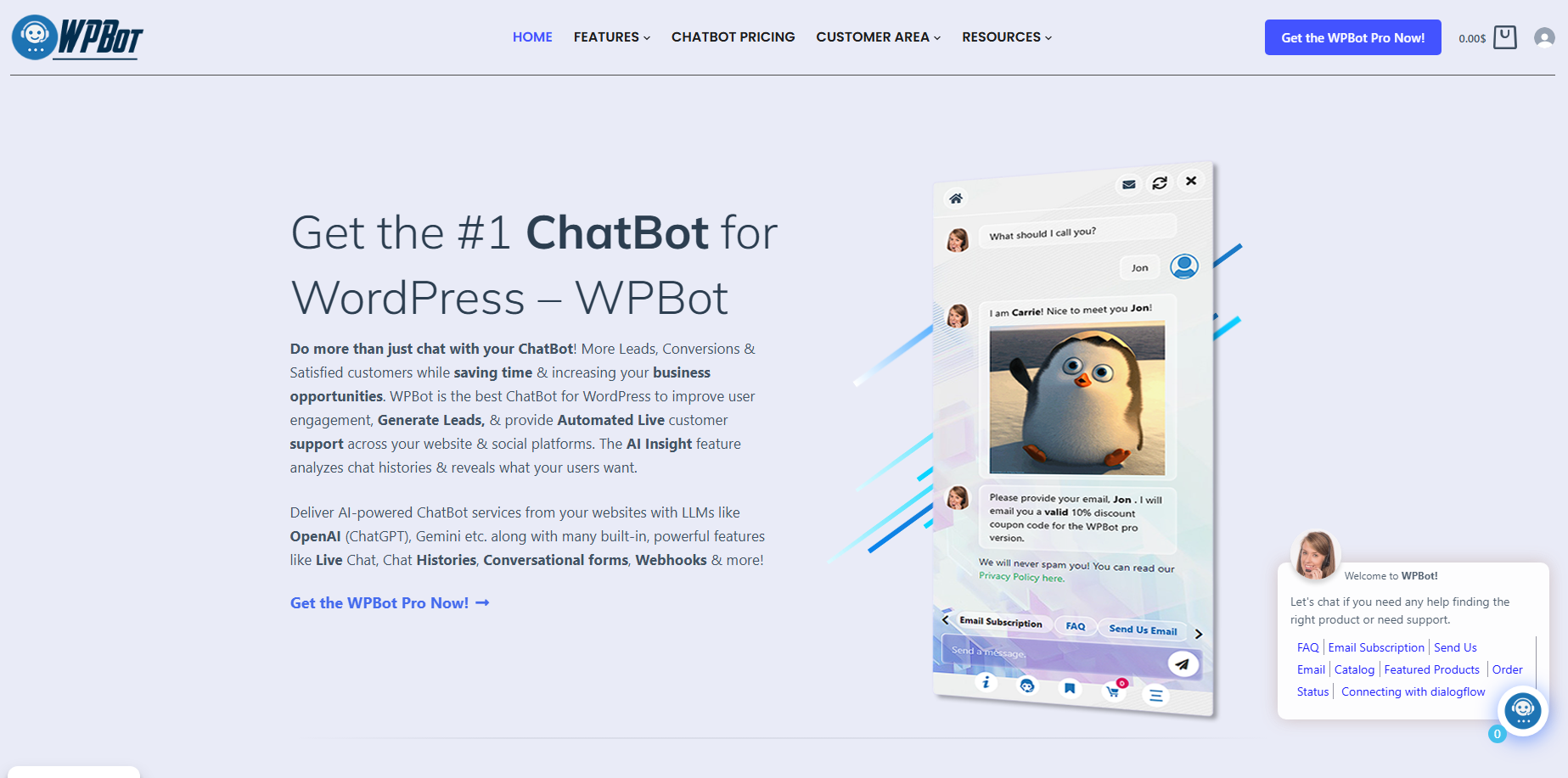
WPBot is a native WordPress plugin from QuantumCloud that adds an intelligent chatbot to your site. It works right from your dashboard—no external platforms or constant subscriptions required.
You get automated responses, live chat handover, lead capture, and AI-powered conversations using OpenAI (ChatGPT), Google Gemini, Dialogflow, OpenRouter, or built-in rules. It supports any language, including RTL, and runs lightweight on your server.
Free version gives solid basics. Pro versions unlock advanced features like conversational forms, retargeting, and full WooCommerce automation.
Why should you care about a WordPress chatbot in 2026?
Visitors expect instant answers. If they can’t find what they need fast, they bounce. A good chatbot cuts support tickets, boosts time on site, qualifies leads, and even recovers abandoned carts.
WPBot does all that while staying under your control.
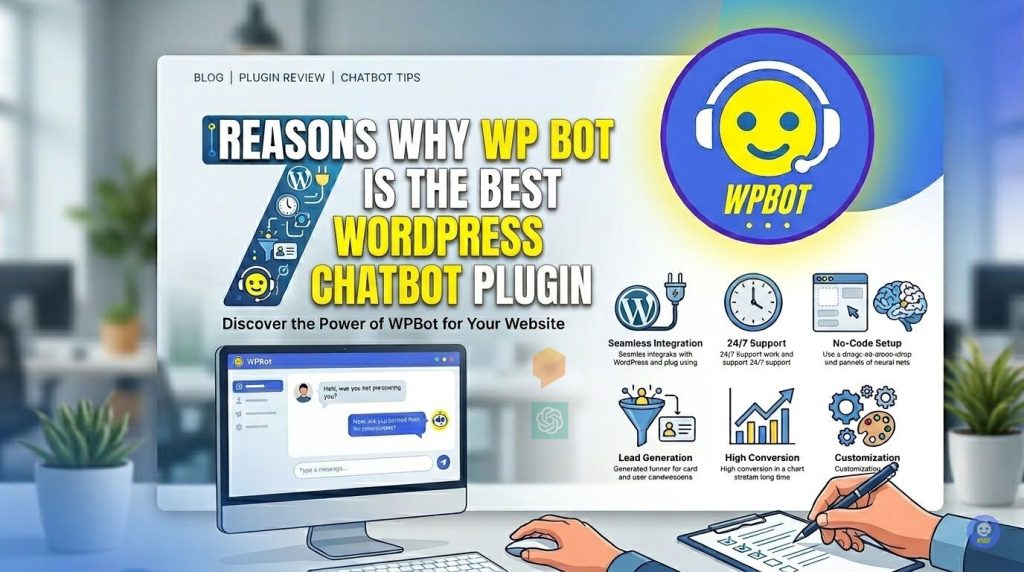
7 Reasons Why WPBot Is the Best WordPress Chatbot Plugin
1. Native WordPress Plugin — Full Control, No SaaS Headaches
WPBot installs like any other plugin. Everything lives in your WordPress dashboard. Your data stays on your server. No third-party scripts slowing your site or raising privacy flags.
Compare that to Tidio or Drift. Those often rely on external platforms with monthly fees and less ownership.
Why this matters for you:
- Better site speed and Core Web Vitals.
- Full GDPR-friendly data control.
- Works offline from the provider once installed.
- Easy updates and customization through familiar WordPress tools.
Busy site owners love this—no vendor lock-in or surprise bills.
2. Flexible AI That Won’t Break the Bank
WPBot plays nice with top AI models:
- OpenAI/ChatGPT (with RAG for your site content)
- Google Gemini
- OpenRouter (access Claude, Grok, Mistral, etc.)
- Dialogflow (for structured flows)
- Built-in keyword and site search (no AI cost)
Train it on your pages, posts, PDFs, or CSVs. It returns relevant links from your site. You can mix rule-based answers (free and fast) with AI for complex queries.
Pro tip: Start with built-in responses and layer AI only where needed. This keeps API costs low while delivering smart replies.
3. Powerful Lead Generation and Conversational Forms
Turn casual chats into real leads. The Conversational Forms addon (included in Pro) lets you build:
- Conditional logic forms
- Calculators
- Appointment booking
- Job applications
- Surveys and quizzes
Forms save to your database, email you, and support file uploads. Trigger them from the start menu or specific intents.
Real-world win: A WooCommerce store can qualify leads by asking about budget or preferences before suggesting products.
4. Deep WooCommerce Integration That Actually Sells
This is where WPBot shines for e-commerce:
- Product search by name, category, or intent
- Price filtering and recommendations
- Order status lookup
- Abandoned cart recovery (off-site too)
- Upsells and cross-sells in chat
On-site retargeting triggers offers on exit intent, scroll, or time delay—recovering up to 25% of leaving visitors in some cases.
No other native plugin matches this level of shopping assistance without extra tools.
5. Live Chat + Unlimited Automated Support
WPBot handles 60-80% of common questions automatically. When needed, hand off to human agents with live chat (unlimited operators in higher plans). Slack integration keeps your team in the loop.
AI Insight emails daily summaries of chats, highlighting pain points so you improve your site or bot.
Chat histories, analytics, and feedback (like/dislike) help you refine everything.
6. Pricing That Makes Sense — Pay Once, Own It
No hefty monthly fees. Licenses include lifetime usage even if you stop renewing.
Typical options (check current pricing):
- Starter/Pro plans for 1-2 sites
- Master for agencies (up to 50 sites, white label)
Compare to SaaS tools charging $39–$500+/month per site. Over 2–3 years, WPBot saves thousands while giving more control.
Free version is genuinely useful for testing or small sites.
7. Easy Setup, Customization, and Scalability for Beginners and Pros
No coding needed. Install, set your welcome message, add some FAQs or intents, and go. Customize colors, icons, and text to match your brand. Multiple display options: floating widget, embedded on pages, click-to-chat buttons, or even on non-WordPress sites.
Supports multilingual sites, works on any theme, and scales from personal blogs to agency client sites.
Performance edge: Lightweight design won’t tank your speed scores like some external chat widgets.
WPBot vs Popular Alternatives (Quick Comparison)
|
Feature |
WPBot |
Tidio |
Landbot |
AI Engine |
|
Native WP Plugin |
Yes |
Partial |
Embed |
Yes |
|
Pricing Model |
One-time / Low annual |
Monthly SaaS |
Monthly |
Varies |
|
WooCommerce Depth |
Excellent |
Good |
Limited |
Basic |
|
Data Ownership |
Full |
Limited |
Limited |
Full |
|
Live Chat |
Yes (unlimited) |
Strong |
Add-on |
Varies |
|
Retargeting & Forms |
Built-in advanced |
Good |
Strong flows |
Basic |
|
Best For |
WP owners wanting control |
Teams with agents |
Complex funnels |
Simple AI Q&A |
WPBot wins for most WordPress users who want ownership and long-term savings.
Real Use Cases: How People Use WPBot
- E-commerce store: Product finder + cart recovery + order tracking.
- Service business: Appointment booking and lead qualification.
- Blog or content site: Instant FAQ answers and newsletter signups.
- Agency: White-label on client sites with central management.
- Multinational site: Multilingual support with easy text swaps.
Users report lower bounce rates, longer sessions, and more qualified leads.
How to Get Started with WPBot (Step-by-Step)
- Install the free plugin from WordPress.org.
- Activate and set basic welcome message + FAQs.
- (Optional) Add AI integration — connect OpenAI or Dialogflow in minutes.
- Build a couple conversational forms for leads.
- Customize design and test on your site.
- Upgrade to Pro for retargeting, WooCommerce, and more.
Most people launch a basic bot in under 30 minutes.
Common Questions About WPBot
Will it slow down my site? No. It’s optimized and runs natively. Monitor with your usual tools.
Do I need coding skills? Absolutely not. Everything is point-and-click or simple settings.
What about API costs for AI? Use built-in features first. AI supplements only where needed. Many users keep costs under $10–20/month.
Is support good? Users consistently praise fast, helpful responses from the QuantumCloud team.
Frequently Asked Questions
Is WPBot the absolute best chatbot for every WordPress site? It’s one of the best for most users, especially those wanting native integration, cost control, and WooCommerce power. If you need heavy CRM or large human teams, test SaaS options too.
Can I use WPBot on multiple sites? Yes—higher licenses support more sites. Master plan is great for agencies.
Does it support voice or other channels? Core is web chat. Pro adds Messenger, WhatsApp, etc., via modules.
How does it handle complex conversations? Combine rule-based intents with AI for natural flow. Conversational Forms handle guided processes perfectly.
Is there a money-back guarantee? Check the official site for current terms—most licenses have solid support policies.
Ready to add smart 24/7 support to your WordPress site?
Head to wpbot.pro and start with the free version. Test it on your site today and see the difference in engagement and leads.
WPBot gives you a practical, powerful chatbot without the usual headaches. For busy site owners, that’s exactly what you need.
Conclusion
WPBot isn’t just another chatbot plugin — it’s the one that gives you real control, powerful features, and long-term savings without monthly headaches.
Whether you run a WooCommerce store, service business, or content site, it delivers instant answers, captures leads, and supports your customers 24/7 while staying lightweight on your WordPress site.
If you’re tired of slow support and missed opportunities, give WPBot a try. Start with the free version, test it on your site, and see the difference yourself.
Your visitors are already waiting for faster help. Why not give it to them today?
Ready to add smart automation to your site? Grab WPBot here and get started in minutes.
You’ve got nothing to lose — and a lot more leads and happy customers to gain.








