If you want a ready-made, conversation-focused chatbot for WordPress and WooCommerce, WPBot is the better choice.
If you want a developer-friendly AI toolkit to add ChatGPT-style features across your site (not just chat), AI Engine is more flexible.
That’s the honest summary.
Now let’s go deep and explain why, so you can confidently choose the right tool for your site, your skills, and your long-term goals.
I’ll write this like I’m explaining it to a friend who runs a WordPress site and doesn’t want to waste money or time.
WPBot vs AI Engine: Quick Comparison Snapshot
|
Criteria |
WPBot |
AI Engine |
|
Plugin type |
WordPress chatbot plugin |
WordPress AI toolkit |
|
Primary focus |
Conversational chatbot |
AI features (chat, content, search, images) |
|
Ease of use |
Beginner-friendly |
Intermediate to advanced |
|
WooCommerce support |
✅ Deep, built-in |
❌ Not native |
|
Chatbot ready out of box |
✅ Yes |
⚠️ Requires setup |
|
AI provider |
OpenAI, Dialogflow |
OpenAI (primary) |
|
Pricing model |
One-time / lifetime |
Free + Pro (subscription) |
|
Performance impact |
Lightweight |
Depends on features enabled |
|
Best for |
Businesses, ecommerce, support |
Developers, content creators |
Keep this table in mind. We’ll expand every point in detail.
What Is WPBot?
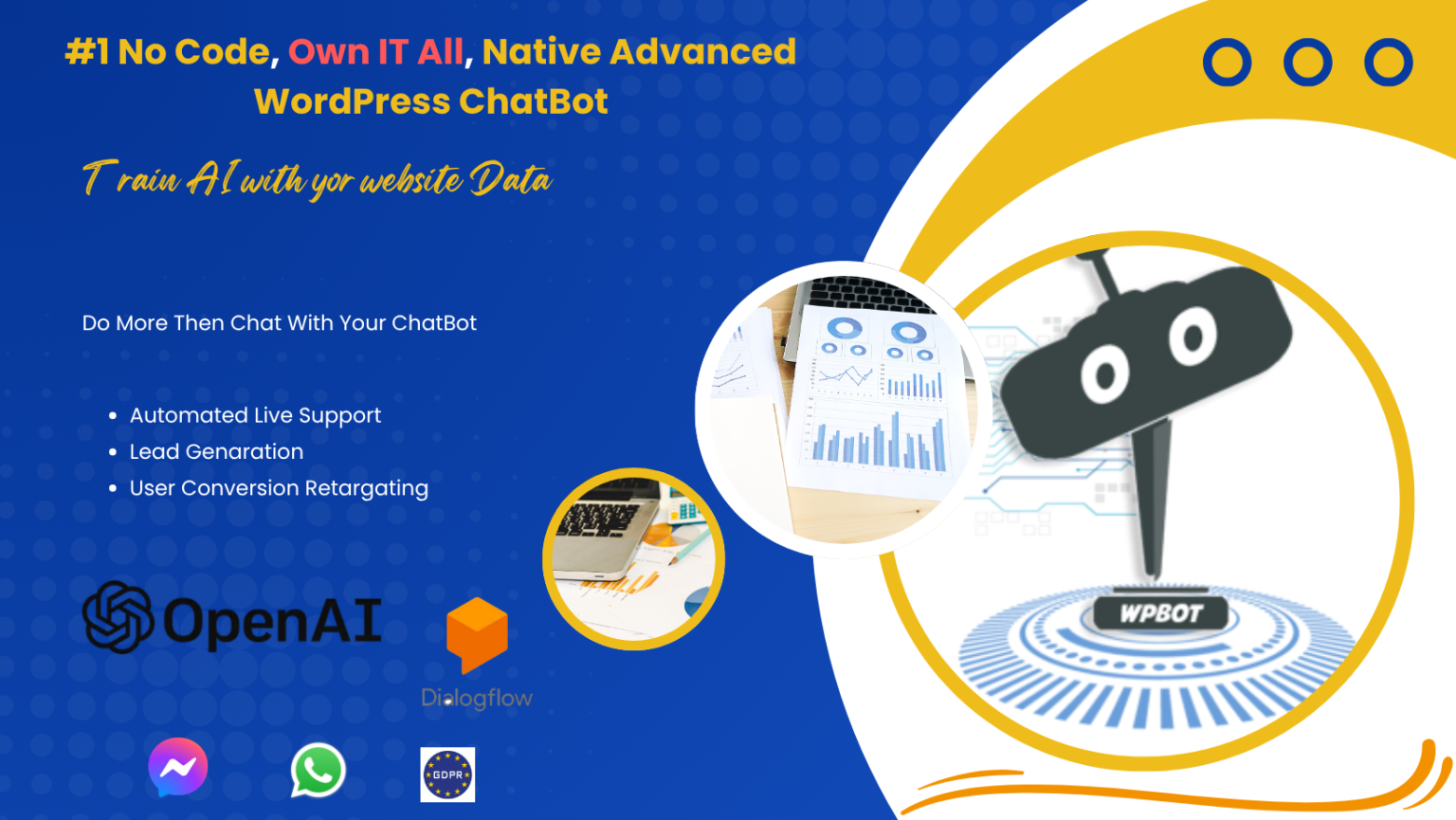 WPBot is a WordPress-native chatbot plugin designed to handle real conversations with visitors.
Its main goal is simple:
�� Answer questions, guide users, and automate support or sales.
WPBot lives inside your WordPress dashboard, not on an external SaaS platform.
Core idea behind WPBot
WPBot is built to solve business problems, not to experiment with AI.
Key Features of WPBot
· Fully native WordPress plugin
· Ready-made chatbot interface
· Rule-based + AI-powered replies
· WooCommerce integration
· Product search & recommendations
· Cart and order assistance
· OpenAI (ChatGPT) integration
· Dialogflow support
· Live Chat (Classic + Slack integration)
· Multilingual support
· Shortcodes & widgets
WPBot focuses on functionality, performance, and ROI.
What Is AI Engine?
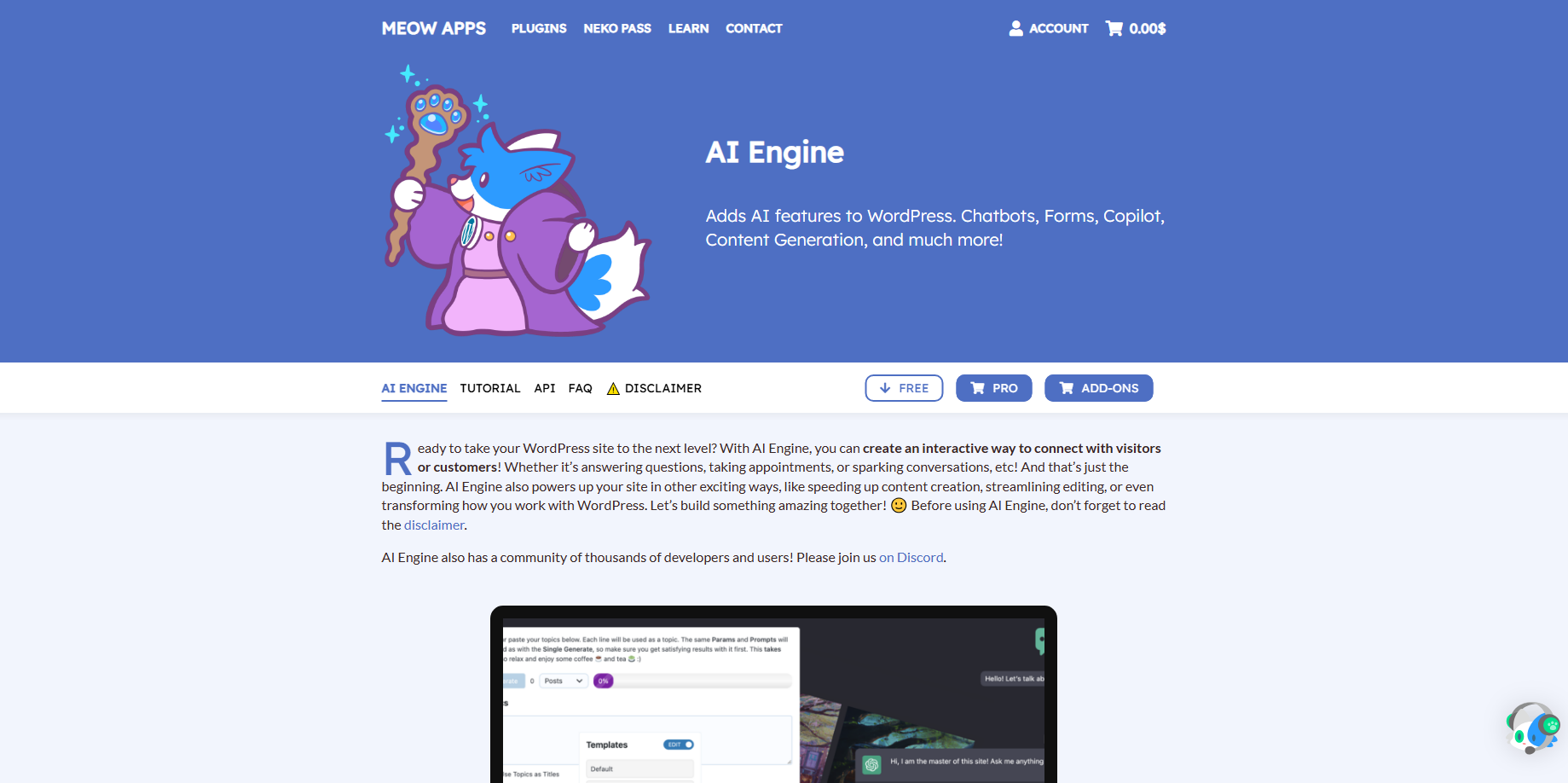 AI Engine is a multi-purpose AI plugin for WordPress.
Instead of focusing only on chatbots, AI Engine gives you a toolkit to add AI everywhere on your site.
Think of it as a Swiss Army knife, not a finished product.
Core idea behind AI Engine
AI Engine is built for experimentation and flexibility.
It’s especially popular with:
· Developers
· Power users
· Content creators
Key Features of AI Engine
· AI chatbot (basic)
· AI content generation
· AI image generation
· AI-powered search
· AI forms
· Custom prompts
· Shortcodes & API access
· Fine-grained OpenAI controls
· Developer hooks & filters
AI Engine is powerful — but you need to configure almost everything yourself.
WPBot vs AI Engine: Chatbot Philosophy
This difference is critical.
WPBot Philosophy
· “Install → Configure → Start chatting”
· Focused on user conversations
· Designed for non-technical users
· Business-first approach
AI Engine Philosophy
· “Build your own AI experience”
· Focused on flexibility
· Designed for technical users
· Experimentation-first approach
In short:
· WPBot = Finished chatbot solution
· AI Engine = AI framework
How Do They Handle AI (ChatGPT & OpenAI)?
WPBot AI Integration
WPBot integrates AI in a controlled way.
You can:
· Use AI only when needed
· Combine AI with rule-based replies
· Limit AI usage to reduce cost
· Use AI as fallback, not default
This is ideal if you want:
· Predictable answers
· Controlled expenses
· Less risk of hallucinations
AI Engine AI Integration
AI Engine is deeply tied to OpenAI.
You can:
· Customize prompts
· Adjust temperature, tokens, models
· Use AI across multiple site areas
· Build multiple bots with different roles
This is powerful — but:
· Easier to misconfigure
· Easier to overspend on API usage
· Requires understanding of AI settings
Which One Is Better for WooCommerce?
This is not even a close contest.
WPBot + WooCommerce
WPBot is WooCommerce-aware.
It can:
· Search products by keyword
· Show prices and thumbnails
· Guide users to categories
· Help during checkout
· Reduce cart abandonment
· Answer product-related FAQs
All without custom coding.
AI Engine + WooCommerce
AI Engine has no native WooCommerce logic.
You can:
· Build custom prompts
· Create AI-powered product Q&A
· Use developer hooks
But it requires:
· Manual setup
· Prompt engineering
· Extra testing
Verdict:
For ecommerce sites, WPBot is the practical choice.
Ease of Use: Which Is More Beginner-Friendly?
WPBot Setup Experience
· Install plugin
· Activate
· Configure chatbot options
· Add to site
No external dashboards.
No API complexity (unless you enable AI).
Perfect for:
· Bloggers
· Small businesses
· Agencies
AI Engine Setup Experience
· Install plugin
· Connect OpenAI API
· Configure models & prompts
· Decide where AI appears
· Test and refine
Not difficult — but not beginner-friendly.
Better for:
· Developers
· Technical site owners
· Experimenters
Performance & Page Speed Impact
WPBot Performance
· Lightweight plugin
· Minimal external scripts
· Optimized for WordPress
· Better Core Web Vitals
Great for:
· SEO-focused blogs
· WooCommerce stores
· Performance-sensitive sites
AI Engine Performance
Performance depends on:
· Enabled modules
· API calls
· Page usage
Used carefully → fine
Used everywhere → heavy
AI Engine gives freedom — but also responsibility.
Pricing: One-Time vs Ongoing Cost
WPBot Pricing Model
· Free version (limited)
· Lifetime license available
· Optional add-ons
· No forced subscriptions
Excellent long-term ROI.
AI Engine Pricing Model
· Free version (limited)
· Pro version (subscription)
· OpenAI API usage cost extra
Cheaper to start.
More expensive over time if heavily used.
Use Cases: When to Choose WPBot
Choose WPBot if you want:
· A ready-to-use chatbot
· Customer support automation
· WooCommerce product assistance
· Lead qualification
· One-time cost
· Minimal setup
· Predictable behavior
Perfect for:
· Online stores
· Service websites
· Business blogs
· Agencies managing client sites
Use Cases: When to Choose AI Engine
Choose AI Engine if you want:
· AI content generation
· AI-powered search
· Multiple AI tools in one plugin
· Custom AI workflows
· Developer-level customization
Perfect for:
· Developers
· AI experimenters
· Content-heavy websites
· Advanced WordPress users
Security & Data Control
WPBot
· Data stored in WordPress
· Full site owner control
· Easier GDPR handling
AI Engine
· Data goes through OpenAI
· Requires API key management
· More responsibility for compliance
Pros and Cons Summary
WPBot Pros
· Beginner-friendly
· Business-focused
· WooCommerce-ready
· Lightweight and fast
WPBot Cons
· Limited AI experimentation
· Basic visual logic
AI Engine Pros
· Extremely flexible
· Developer-friendly
· Multiple AI features
· Strong prompt control
AI Engine Cons
· Not beginner-friendly
· No native ecommerce logic
· Ongoing costs
· Easy to overcomplicate
Final Verdict: WPBot vs AI Engine
Here’s the honest conclusion.
WPBot wins if:
· You want a chatbot that works today
· You run WooCommerce
· You value performance and ROI
· You prefer simplicity
AI Engine wins if:
· You want an AI playground
· You like experimenting
· You’re comfortable with technical setup
· You want AI beyond chatbots
Frequently Asked Questions (FAQs)
Is AI Engine a chatbot plugin?
Yes, but chatbot is only one of its features.
Can WPBot use ChatGPT?
Yes, via OpenAI integration.
Which plugin is better for beginners?
WPBot.
Which is better for developers?
AI Engine.
Which has better long-term ROI?
WPBot for most business websites.
Final Thought
Don’t choose based on hype.
Choose based on:
· Your skill level
· Your business model
· Your long-term goals
For most WordPress site owners who want real conversations and real results, WPBot is the smarter choice.