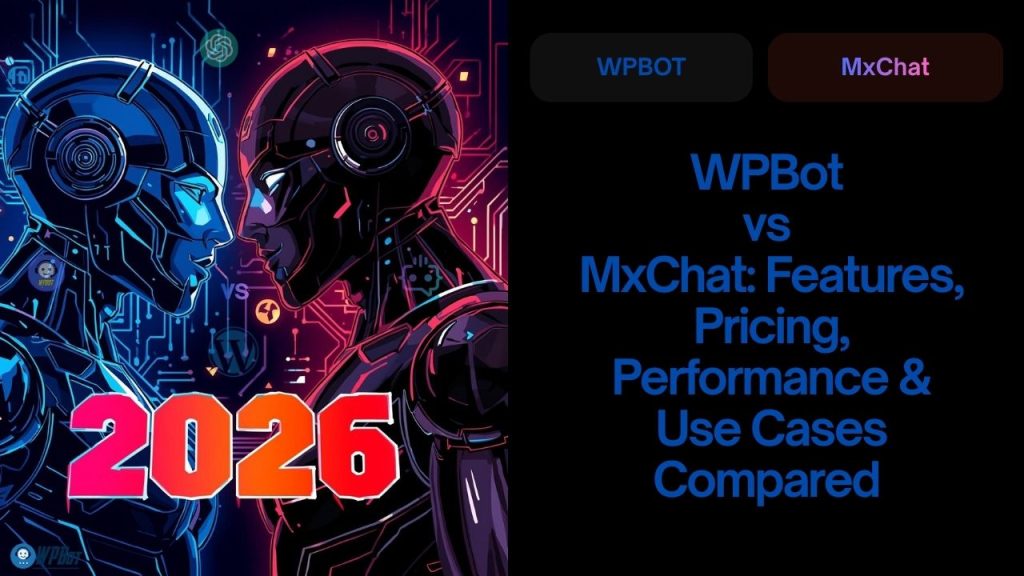
If you want a powerful, self-hosted, WordPress-native chatbot with full control, lower long-term cost, and deep WooCommerce integration, WPBot is the better choice.
If you want a hosted, cloud-based chatbot with minimal setup and basic automation, MxChat may work — but with limits on customization, data control, and scalability.
Now let’s break this down properly — feature by feature, use case by use case — without hype, fluff, or marketing noise.
Why This Comparison Matters
Chatbots are no longer “nice to have.”
They are critical infrastructure for modern websites.
But not all chatbots are built the same.
Some are:
· WordPress-native
· Self-hosted
· Customizable
· Cost-effective long-term
Others are:
· Cloud-hosted
· Subscription-heavy
· Limited in control
· Dependent on external servers
WPBot and MxChat represent these two very different philosophies.
Let’s compare them honestly.
What Is WPBot?
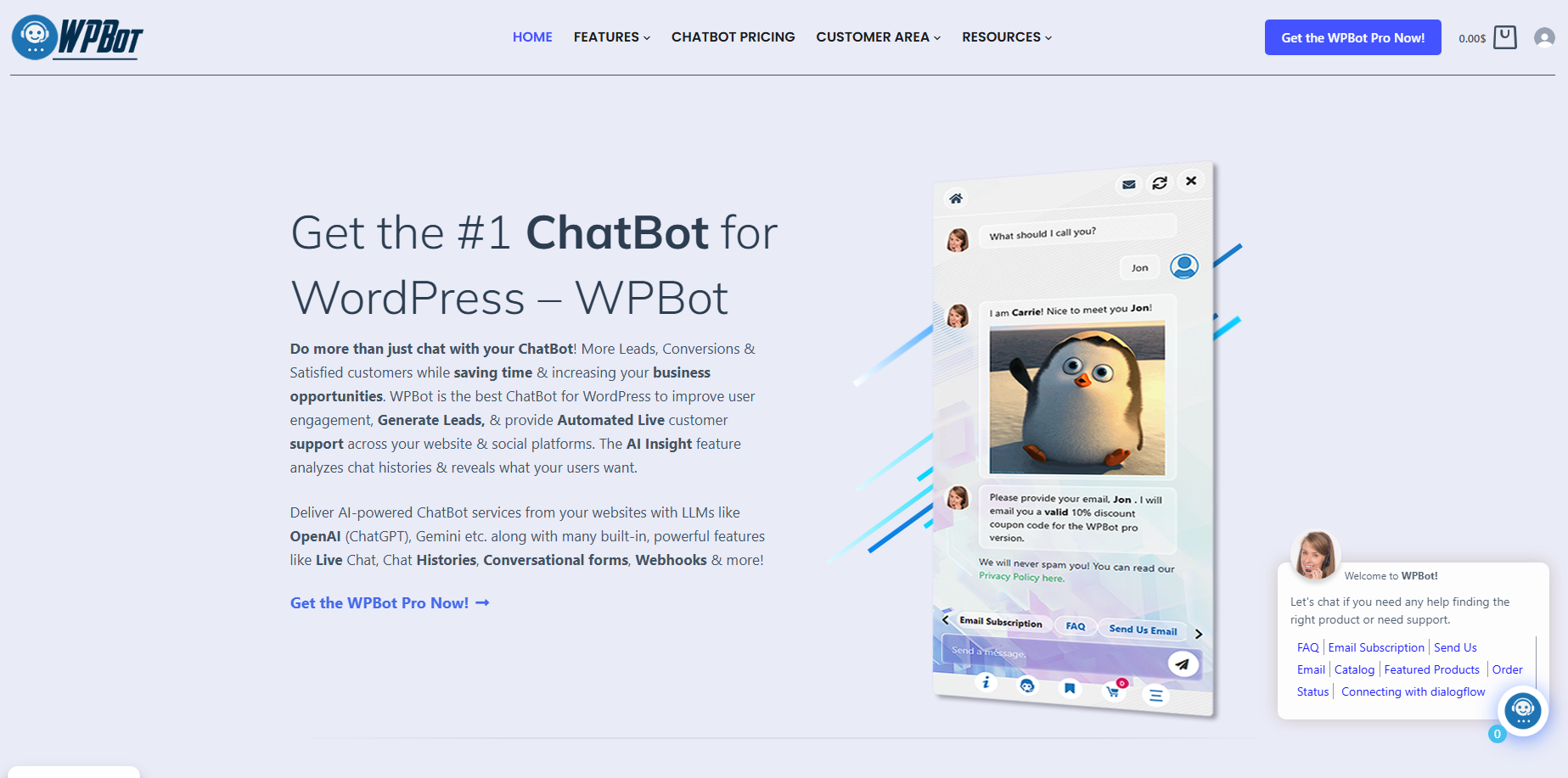 WPBot is a WordPress-native AI chatbot plugin designed for websites that want full control, ownership, and flexibility.
It runs inside your WordPress site.
No forced SaaS lock-in.
No mandatory monthly fees.
WPBot at a Glance
· WordPress plugin (self-hosted)
· Works offline (rule-based) or with AI
· Deep WooCommerce support
· Extendable with add-ons (ChatGPT, Dialogflow, WhatsApp, etc.)
WPBot is built for site owners who want control — not dependency.
What Is MxChat?
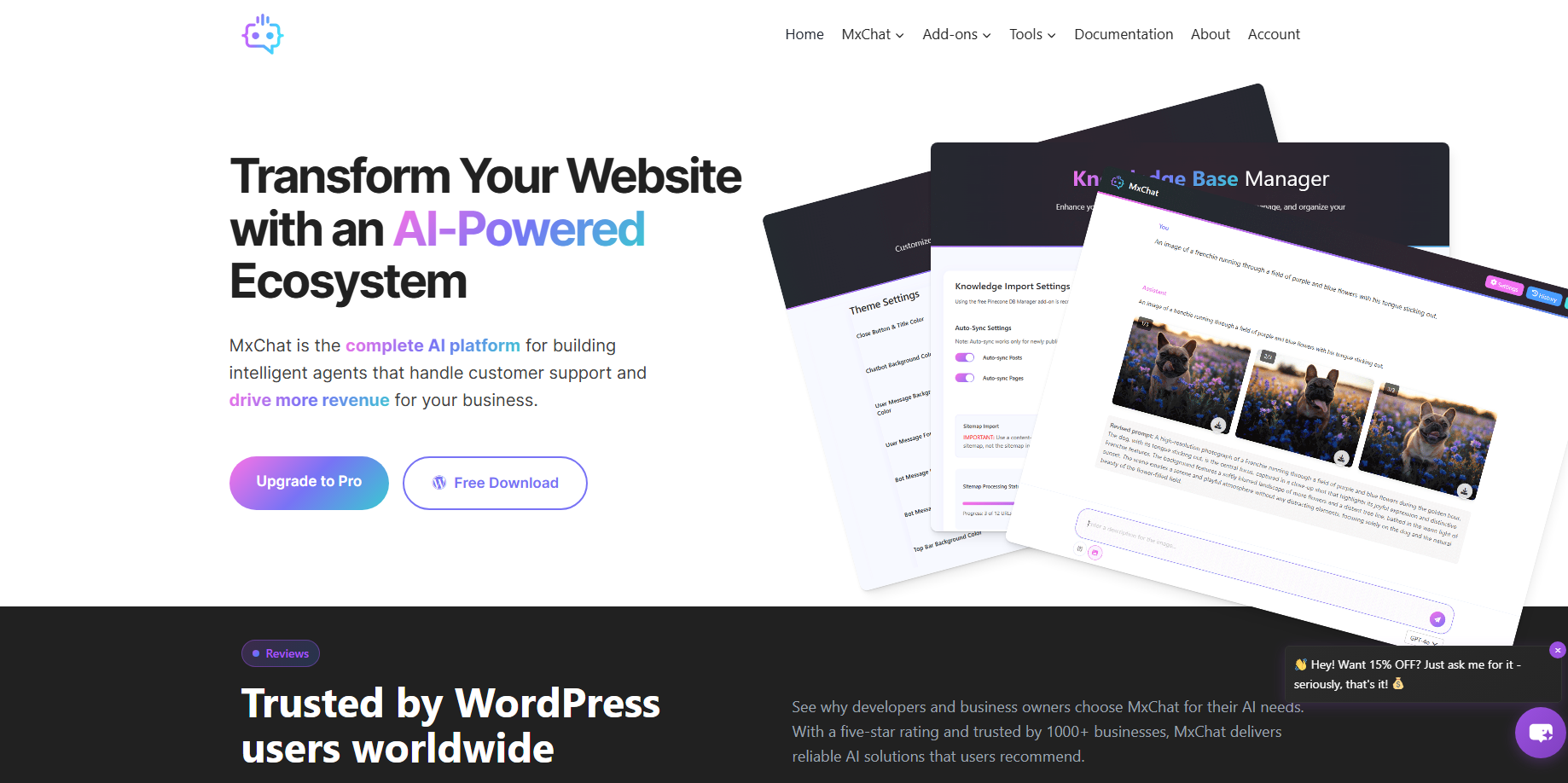 MxChat is a cloud-hosted chatbot platform.
It focuses on:
· Quick setup
· Centralized dashboard
· Basic AI automation
· Hosted infrastructure
You don’t install it inside WordPress in the same way.
Instead, you embed it via script or plugin.
MxChat at a Glance
· SaaS (cloud-based)
· Subscription pricing
· Limited WordPress-specific features
· Data stored on external servers
· Easier setup, less control
MxChat is designed for convenience — not customization.
WPBot vs MxChat: Core Philosophy
|
Aspect |
WPBot |
MxChat |
|
Hosting |
Self-hosted |
Cloud-hosted |
|
Control |
Full |
Limited |
|
WordPress integration |
Native |
Partial |
|
Data ownership |
You own everything |
Vendor-controlled |
|
Long-term cost |
Low |
High |
|
Customization |
Deep |
Restricted |
This single table already tells a big story.
How Does WPBot Work?
WPBot works inside WordPress.
It uses:
· Predefined conversational flows
· Keyword-based logic
· Optional AI engines
· WooCommerce hooks
· Shortcodes and widgets
You decide:
· Where it appears
· What it says
· How it responds
· Which AI engine (if any) it uses
No external dependency is required for basic functionality.
How Does MxChat Work?
MxChat runs on external servers.
Your site:
· Loads their widget
· Sends user data to their servers
· Receives responses back
This means:
· Faster setup
· Less technical work
· But less flexibility and ownership
If their service goes down, your chatbot goes down.
Feature Comparison: WPBot vs MxChat
Let’s go feature by feature.
Core Chat Features
|
Feature |
WPBot |
MxChat |
|
Rule-based chatbot |
✅ |
✅ |
|
AI responses |
✅ (optional) |
✅ |
|
Keyword matching |
✅ |
Limited |
|
Custom flows |
✅ |
Limited |
|
Rich responses |
✅ |
✅ |
WPBot clearly gives more control over logic and responses.
AI Capabilities Compared
WPBot AI Options
WPBot does not force AI on you.
You can use:
· Rule-based logic only
· OpenAI (ChatGPT)
· Hybrid AI + rules
This is important.
Why?
Because AI costs money.
WPBot lets you decide:
· When to use AI
· Where to use AI
· How much to spend
MxChat AI Model
MxChat bundles AI into its platform.
Pros:
· Simple setup
· No external API management
Cons:
· Limited tuning
· Less transparency
· Cost tied to subscription tiers
WooCommerce & E-commerce Features
This is where WPBot clearly wins.
WPBot for WooCommerce
WPBot is built for e-commerce.
It can:
· Search products
· Show prices
· Display images
· Add to cart
· Track orders
· Answer shipping questions
· Reduce cart abandonment
All inside WordPress.
MxChat for E-commerce
MxChat supports:
· Basic product FAQs
· Lead capture
· Simple flows
But:
· No deep WooCommerce hooks
· No native cart interaction
· Limited transactional actions
If you run a store, this difference is huge.
Multilingual Support
WPBot
· Works with WordPress multilingual plugins
· Supports custom language flows
· RTL compatible
· No per-language fees
MxChat
· Language support depends on plan
· AI translations may cost extra
· Less control over phrasing
Customization & Branding
WPBot Customization
You can customize:
· Chat window design
· Colors
· Icons
· Triggers
· Behavior rules
· Page-specific logic
Because it’s WordPress-native.
MxChat Customization
Customization is:
· Template-based
· Restricted by plan
· Limited CSS access
Good enough for basic branding — not for advanced UX.
Performance & Speed
WPBot Performance
· Runs on your server
· No external latency (for rule-based chats)
· Faster response time
· Better Core Web Vitals control
AI calls only happen when you enable them.
MxChat Performance
· Depends on their servers
· Additional network requests
· Performance varies by region
· Limited optimization control
Data Privacy & GDPR
This is critical.
WPBot Data Control
· All data stored in WordPress
· No forced third-party sharing
· GDPR-friendly by design
· Easier compliance
MxChat Data Handling
· Data stored externally
· Subject to vendor policies
· GDPR compliance depends on their terms
· Less transparency
For EU-focused businesses, this matters a lot.
Pricing Comparison: WPBot vs MxChat
WPBot Pricing Model
WPBot offers:
· Lifetime access
· Optional paid add-ons
· No forced monthly fees
You only pay recurring costs if:
· You use OpenAI
· You use WhatsApp API
· You choose premium services
MxChat Pricing Model
MxChat uses:
· Monthly subscriptions
· Feature-based tiers
· Message or conversation limits
As usage grows, cost grows.
Long-Term Cost Analysis
Let’s be honest.
Over 2–3 years:
· WPBot = predictable, lower cost
· MxChat = increasing subscription expense
Especially for:
· High-traffic sites
· E-commerce stores
· Agencies managing multiple sites
Use Cases: When to Choose WPBot
WPBot is ideal if you:
· Run a WooCommerce store
· Want full WordPress control
· Care about GDPR
· Prefer one-time pricing
· Need deep customization
· Build long-term assets
Best WPBot Use Cases
· Online stores
· SaaS websites
· Content publishers
· Agencies
· Educational sites
· Membership platforms
Use Cases: When to Choose MxChat
MxChat may be suitable if you:
· Want fastest setup
· Don’t want WordPress complexity
· Run a small site
· Need basic lead capture
· Accept monthly fees
Best MxChat Use Cases
· Simple landing pages
· Short campaigns
· Non-technical users
· Temporary projects
Scalability & Growth
WPBot Scalability
WPBot scales with:
· Your hosting
· Your WordPress setup
· Your infrastructure
You are not limited by artificial tiers.
MxChat Scalability
MxChat scales by:
· Increasing plan cost
· Usage limits
· Feature restrictions
Growth = higher bills.
Pros & Cons Summary
WPBot Pros
· ✅ WordPress-native
· ✅ Full control
· ✅ WooCommerce-ready
· ✅ One-time pricing
· ✅ GDPR-friendly
· ✅ Highly customizable
WPBot Cons
· ❌ Requires WordPress
· ❌ Slight learning curve
MxChat Pros
· ✅ Easy setup
· ✅ Hosted infrastructure
· ✅ Minimal technical work
MxChat Cons
· ❌ Monthly fees
· ❌ Limited customization
· ❌ Less WordPress integration
· ❌ External data storage
Final Verdict: WPBot vs MxChat
Here’s the honest conclusion.
WPBot is the better long-term solution for serious WordPress users.
It gives you:
· Ownership
· Control
· Flexibility
· Lower lifetime cost
MxChat is fine for:
· Quick launches
· Simple needs
· Short-term projects
But if you’re building a real business, WPBot makes more sense.
FAQs
Is WPBot free?
WPBot offers free and premium versions. Advanced features require a paid license.
Does WPBot require AI?
No. WPBot works perfectly without AI.
Is MxChat better for beginners?
MxChat is easier initially, but limited long-term.
Which is better for WooCommerce?
WPBot — without question.
Can WPBot replace live chat?
Yes, for many use cases.