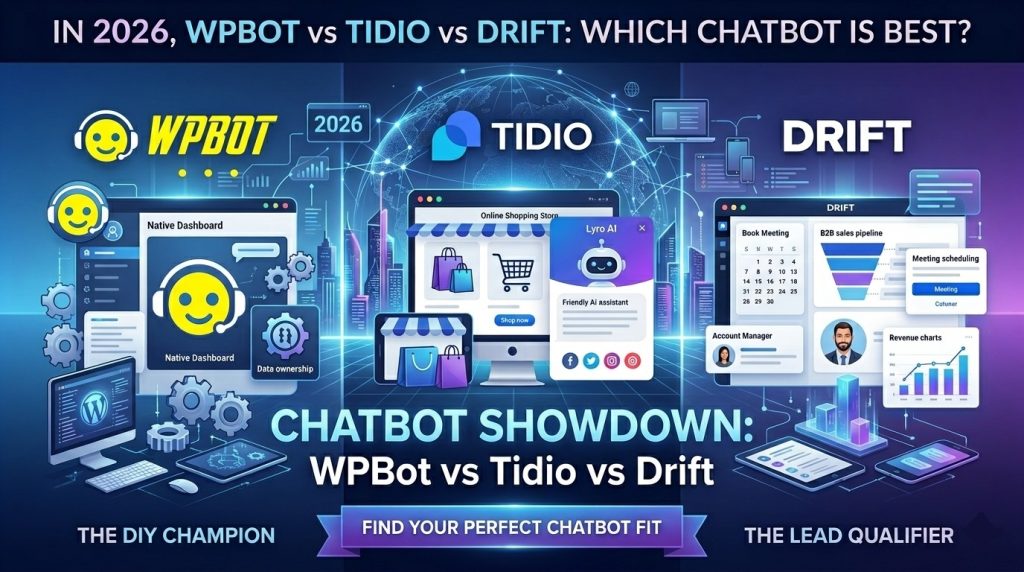
For most WordPress users in 2026 — especially beginners, small businesses, or WooCommerce stores — WPBot wins on value and control. It runs natively on your site with one-time lifetime pricing and deep WordPress integration. Tidio suits teams needing easy live chat plus AI without heavy customization. Drift fits large B2B companies ready to invest thousands monthly in advanced lead generation.
I’ve tested and compared dozens of chatbots over the years. If you run a WordPress site and want something that just works without draining your budget, read on. This guide breaks everything down simply, fact by fact.
What Is a Chatbot and Why Does Your Website Need One in 2026?
A chatbot is an automated tool that talks to website visitors in real time. It answers questions, captures leads, helps with shopping, or hands off to a human.
In 2026, chatbots do much more than basic Q&A. AI handles complex queries, qualifies leads, reduces support tickets by 30-60% in many cases, and boosts conversions.
Busy visitors expect instant replies. Without a chatbot, you lose them. With the right one, you turn casual browsers into customers while you sleep.
But not all chatbots fit every site. WordPress users face a key choice: native plugin or SaaS platform?
What Is WPBot?
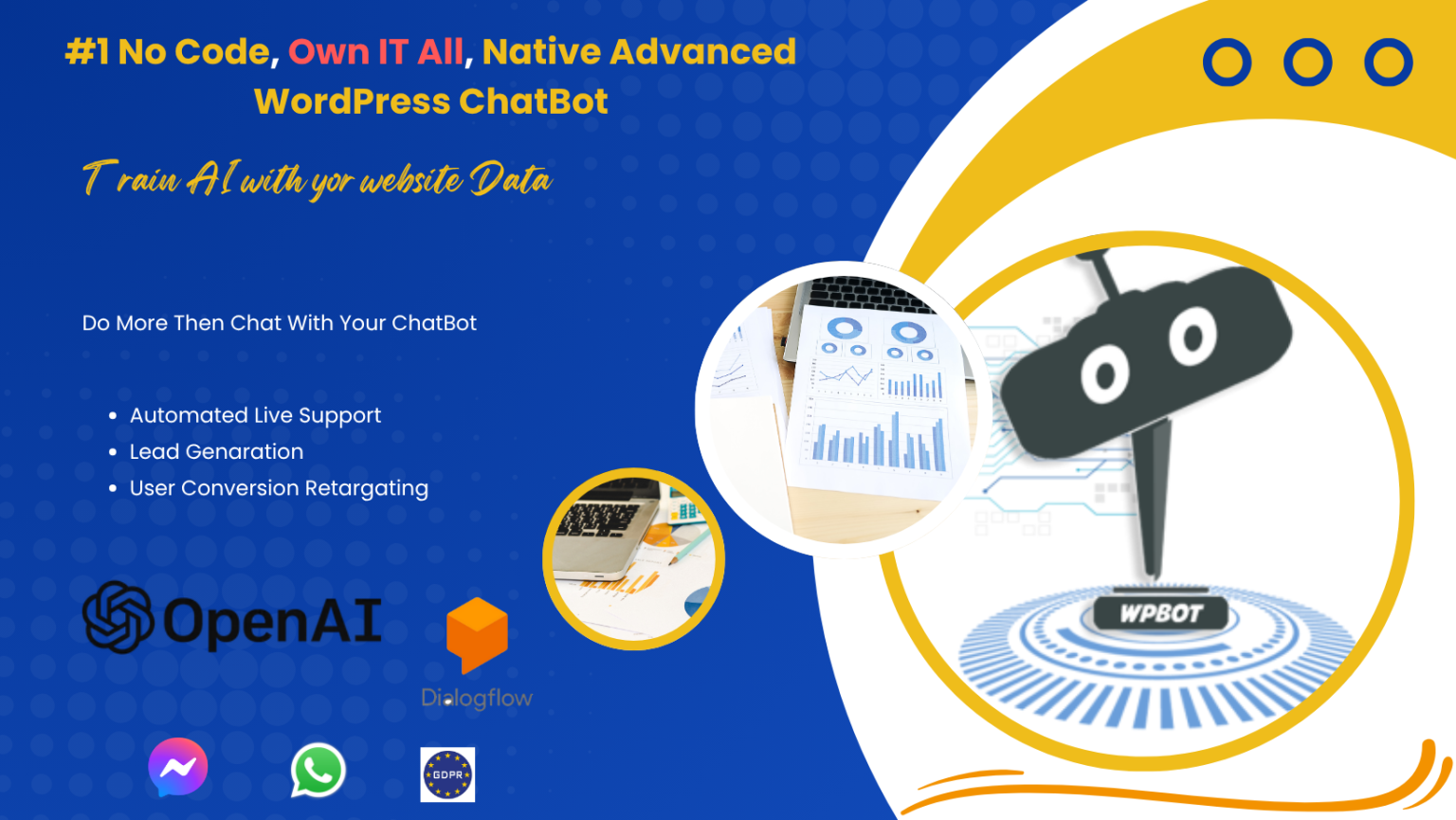
WPBot is a native WordPress chatbot plugin. It lives entirely inside your WordPress dashboard.
You install it like any other plugin. No external accounts or heavy dependencies.
Key features in 2026:
- Hybrid rule-based + AI responses (integrates OpenAI/ChatGPT or Dialogflow)
- Deep WooCommerce support: product search, order status, cart assistance, recommendations
- Lead capture forms, conversational forms
- Multilingual support
- Full data control — everything stays on your server (great for GDPR)
- Optional live human chat with Slack integration
- Customizable triggers, buttons, and flows
It works with any theme and offers a free version for basics. Pro adds advanced AI and features via one-time lifetime licenses.
WPBot shines when you want ownership. No monthly fees eating your profit if traffic grows.
What Is Tidio?
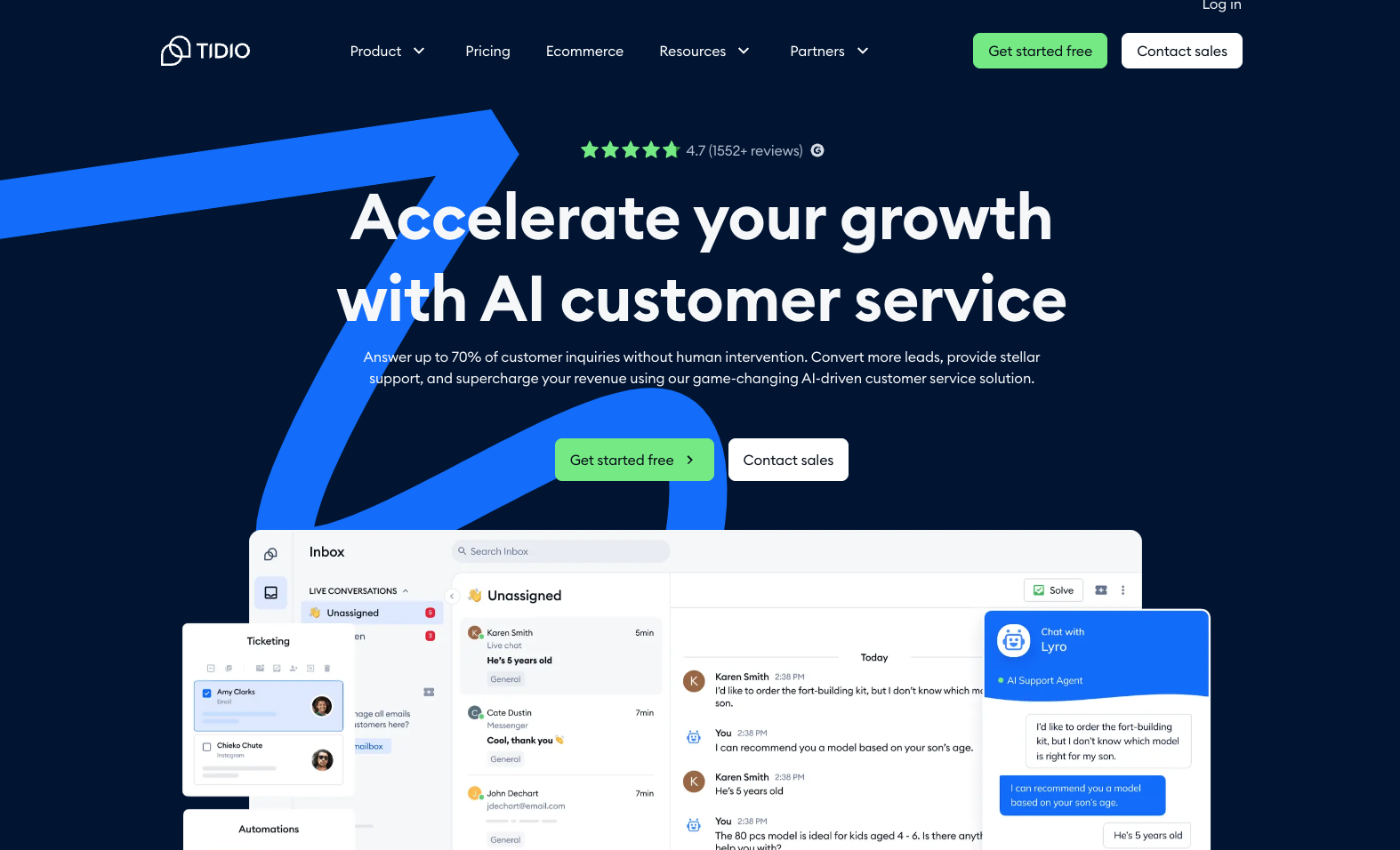
Tidio is a SaaS live chat and chatbot platform with strong WordPress plugin support.
It combines automation with human support. Many small businesses love its visual flow builder.
Key features in 2026:
- Lyro AI agent for handling common questions
- Drag-and-drop chatbot builder
- Live chat with visitor tracking and typing indicators
- Ecommerce tools (WooCommerce/Shopify integrations, abandoned cart recovery)
- Ticketing system
- Multi-channel (website, Messenger, Instagram)
- Analytics and team permissions
Tidio offers a free plan with limits. Paid starts around $29/month (billed annually) for Starter, scaling up based on conversations. Lyro AI adds per-conversation or monthly costs.
It feels modern and beginner-friendly. Setup takes minutes.
What Is Drift (Now Part of Salesloft)?
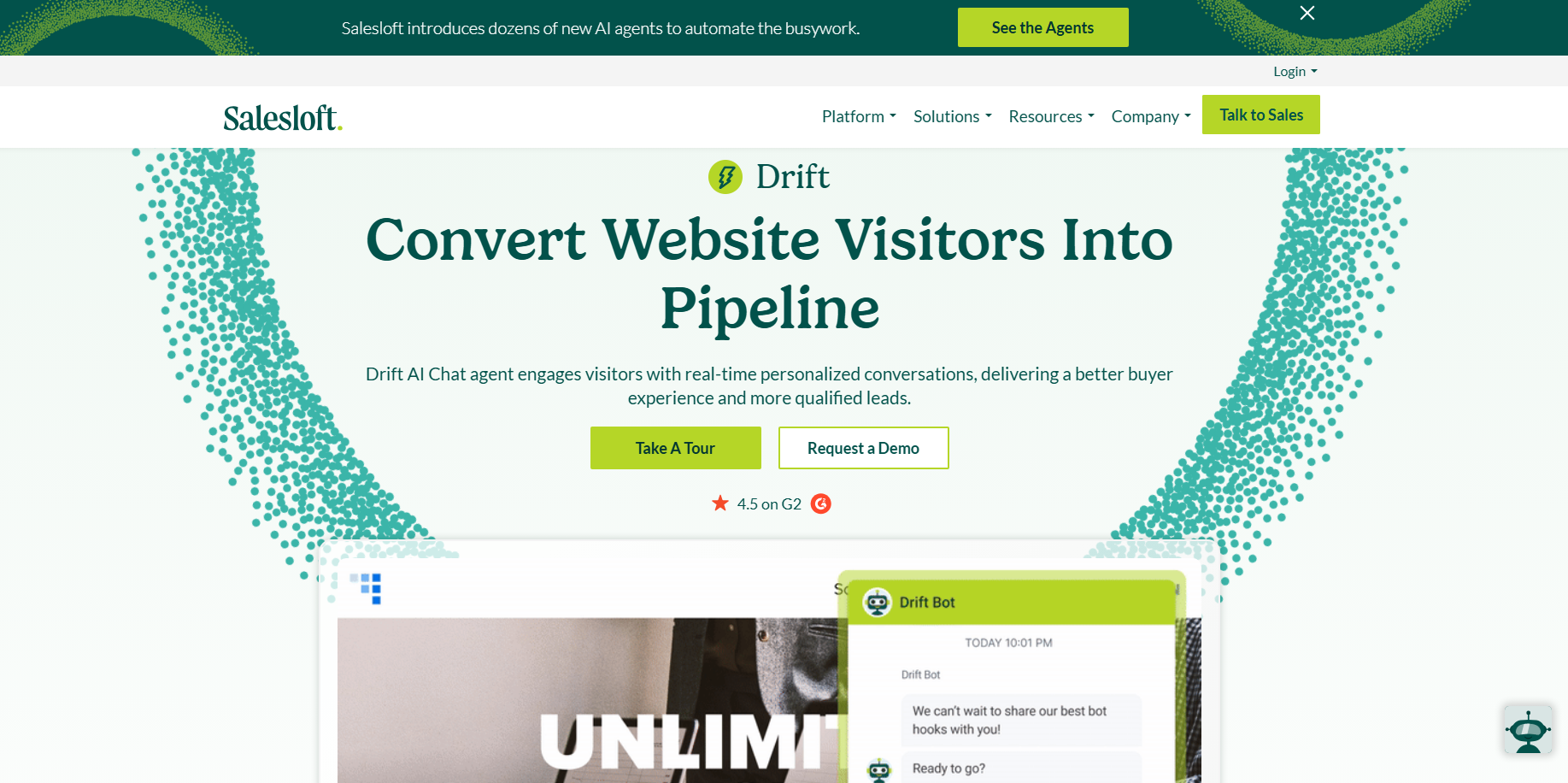
Drift focuses on conversational marketing and sales, especially for B2B.
It identifies visitors, runs targeted playbooks, qualifies leads, and books meetings automatically.
Key features in 2026:
- AI-powered chatbots and routing
- Real-time visitor intelligence
- Playbooks for personalized engagement
- Meeting scheduling
- A/B testing and advanced analytics (higher tiers)
- Integrations with CRM and sales tools
Pricing starts high — around $2,500 per month for Premium, with enterprise plans much higher. It targets bigger teams with sales pipelines to fill.
Drift excels at turning anonymous traffic into qualified sales opportunities fast.
WPBot vs Tidio vs Drift: Head-to-Head Comparison
Let’s cut to the chase with clear facts.
Pricing (2026 reality):
- WPBot: Free core. Pro lifetime licenses from ~$149 (1-5 sites) up to ~$369 (50 sites). No recurring fees after purchase. Pay once, use forever.
- Tidio: Free plan (50 conversations). Starter ~$29/mo. Growth higher based on volume. Lyro AI extra. Costs add up with traffic.
- Drift: Starts ~$2,500/mo. Enterprise often $80k–$150k+ yearly. Serious investment.
Ease of Use:
- WPBot: Dashboard inside WordPress. More technical if you customize deeply, but simple for basics.
- Tidio: Visual builder, very intuitive. Fastest for non-tech users.
- Drift: Powerful but steeper learning curve for playbooks and targeting.
WordPress Integration:
- WPBot: Native — best in class. Uses your site data directly.
- Tidio: Good plugin, solid WooCommerce hooks.
- Drift: Works via embed but not native. Less seamless on pure WP sites.
AI Capabilities:
- All three support AI. WPBot connects to OpenAI for custom training. Tidio’s Lyro handles FAQs well. Drift uses AI for qualification and routing.
Live Chat & Human Handoff:
- WPBot: Optional add-on with Slack.
- Tidio: Built-in strong live chat.
- Drift: Real-time with sales focus.
Best For:
- WPBot — WordPress/WooCommerce sites, budget-conscious owners, agencies managing multiple sites, data privacy focus.
- Tidio — Beginners, small-mid ecommerce, teams wanting live support + automation.
- Drift — Large B2B companies focused on lead gen and sales pipelines.
Here’s a simple table:
|
Feature |
WPBot |
Tidio |
Drift |
|
Pricing Model |
One-time lifetime |
Monthly + usage |
High monthly (~$2500+) |
|
WordPress Native |
Yes |
Plugin (SaaS) |
Embed (SaaS) |
|
WooCommerce Depth |
Excellent |
Good |
Limited |
|
AI Integration |
OpenAI/Dialogflow |
Lyro AI |
Custom AI playbooks |
|
Live Chat |
Optional |
Strong built-in |
Real-time sales-focused |
|
Data Ownership |
Full (on your server) |
Limited |
Limited |
|
Best Audience |
WP site owners, small biz |
Ecommerce SMBs |
Enterprise B2B |
Pros and Cons of Each Chatbot
WPBot Pros:
- Lifetime pricing saves thousands long-term
- Complete control and data privacy
- Deep WooCommerce features out of the box
- No usage-based surprises
WPBot Cons:
- Setup can feel more hands-on
- Live chat not as polished as dedicated tools without add-ons
Tidio Pros:
- Super easy visual builder
- Balanced live chat + AI
- Good for quick setup and scaling support
- Multi-channel options
Tidio Cons:
- Monthly costs rise with traffic
- Less deep WordPress-native feel
- AI has conversation limits on lower plans
Drift Pros:
- Powerful lead qualification and personalization
- Excellent for B2B sales funnels
- Advanced targeting and analytics
Drift Cons:
- Very expensive
- Overkill for most small or medium sites
- Higher complexity
Real-World Use Cases and Examples
Ecommerce Store Owner (WooCommerce):
You sell products on WordPress. Customers ask about stock, shipping, or order status. WPBot searches your products and pulls order data directly — no extra API hassle. It recommends items and adds to cart conversationally. Tidio handles abandoned carts well too, but you pay monthly. Drift? Too sales-heavy and costly for typical retail.
Small Business with Support Tickets:
Tidio shines here. Visitors chat live or get AI answers. Easy handoff to your team. Ticketing keeps everything organized. WPBot works but needs more setup for seamless live support.
B2B SaaS Company:
High-value leads browse your site. Drift identifies companies, asks qualifying questions, and books sales calls automatically. Playbooks route hot leads to reps instantly. The ROI can justify the high price if it fills your pipeline.
Agency Managing 20 Client Sites: WPBot’s multi-site lifetime licenses save a fortune. Install once per client, customize, and own the data.
Setup and Customization: How Long Does It Take?
WPBot: Install plugin → configure intents → connect AI if wanted. Basics in under an hour. Deep customization takes longer but stays in WP.
Tidio: Install WordPress plugin → connect account → use templates or builder. Often live in 15-30 minutes.
Drift: More involved. Needs strategy for playbooks and targeting. Usually requires team input and testing.
For busy scrollers: Start simple. Test free versions first.
Performance, Speed, and SEO Impact
Native tools like WPBot load faster because they run on your server without extra external calls (unless using cloud AI).
Tidio and Drift add JavaScript widgets — usually lightweight, but test your site speed.
Chatbots can improve SEO indirectly: lower bounce rates, longer time on site, better user signals. Answer common questions instantly and reduce support emails.
All three are mobile-friendly in 2026.
Scalability and Future-Proofing
WPBot scales with your WordPress hosting. Add more sites via higher licenses.
Tidio scales by upgrading plans as conversations grow.
Drift handles enterprise volume but at enterprise cost.
In 2026, AI keeps improving. WPBot lets you switch AI providers easily. Tidio updates Lyro regularly. Drift invests heavily in conversational AI.
Security and Data Privacy
WPBot keeps conversations on your server — big plus for GDPR or sensitive industries.
Tidio and Drift process data on their clouds. They comply with standards but you share visitor info.
Choose based on your compliance needs.
Cost Over Time: 2-Year Real Calculation
Assume moderate traffic (few thousand visitors/month):
- WPBot Pro: ~$279 one-time (10 sites). Total: $279.
- Tidio Growth: ~$50-100+/mo average with AI. 2 years: $1,200–$2,400+.
- Drift Premium: $2,500/mo. 2 years: $60,000+.
Numbers speak loud. For most WP users, WPBot wins on pure cost.
Which One Should You Choose in 2026?
Pick WPBot if:
- You run a WordPress or WooCommerce site
- You want predictable costs and ownership
- Budget matters and you like control
- You need strong product/order assistance
Pick Tidio if:
- You’re a beginner or small team
- Live human chat is important
- You want quick setup and nice visuals
- Ecommerce support and multi-channel matter
Pick Drift if:
- You’re enterprise B2B
- Lead qualification and sales meetings drive revenue
- Budget allows big investment for big returns
My personal take as someone who helps friends with their sites: Start with WPBot or Tidio’s free plan. Test for a week. Most people don’t need Drift’s power or price tag.
FAQs About WPBot, Tidio, and Drift in 2026
Can I use WPBot without any coding? Yes. Basics use simple rules and buttons. AI integration is point-and-click for OpenAI.
Does Tidio work well with WooCommerce? Yes. It has solid templates for cart recovery and product queries.
Is Drift worth the high price? Only if you have a sales team closing high-value deals. For support or small sales, no.
Which has the best AI? All improved a lot. Test real conversations on your site — AI quality depends on training.
Can I switch between them later? Yes. Export data where possible and test new setups.
What about free alternatives? WPBot free version or basic Tidio plan work for light use. Many start there.
Conclusion: So, Which Chatbot Should You Pick in 2026?
Bottom line? For most WordPress users — especially beginners, small businesses, or anyone running a WooCommerce store — WPBot is the smartest choice right now.
It gives you powerful AI features, deep integration with your site, and full data control. Best part? You pay once with a lifetime license and you’re done. No surprise monthly bills that grow with your traffic.
Here’s the quick decision guide:
- Choose WPBot if you want ownership, predictable costs, and strong WooCommerce tools. Perfect for solo owners, bloggers, or agencies managing multiple sites. Lifetime plans start around $149–$369 depending on how many sites you need.
- Choose Tidio if you need fast setup, polished live chat, and easy visual builder. Great for small teams who want human + AI support without deep customization. Expect $24–$49/month base plus extra for Lyro AI conversations. Costs add up fast as you grow.
- Choose Drift (now under Salesloft) only if you’re running a large B2B operation with serious sales goals. It excels at qualifying leads and booking meetings, but the price starts at roughly $2,500 per month. Most small and medium sites simply don’t need this level of power.
Real talk from someone who’s helped friends set these up: I’ve seen too many people waste money on monthly tools that feel great at first but hurt the budget later. WPBot lets you test, tweak, and own everything without stress. Start with its free version or low-cost lifetime plan — you can always add AI later.
Don’t overthink it. Your visitors are leaving right now because no one answers their questions instantly. A good chatbot fixes that today and pays for itself tomorrow.
Action step: Head to your WordPress dashboard, install WPBot or Tidio’s free plugin, and test one simple flow this week. See what your real users ask. Then decide.
Whichever you pick, just start. Your site (and your sleep) will thank you.
Got a specific site type or budget? Drop it in the comments — happy to give a more personal recommendation.