Contents
- 1 What Is WPBot?
- 2 What Makes the WPBot Pro Master License Different?
- 3 Why Is This a Perfect Agency Service?
- 4 How Do You Turn WPBot Into a Service You Can Sell?
- 4.1 Step 1: Define Your “AI Chatbot Support Service” Offer
- 4.2 Step 2: Create Recurring Revenue Plans
- 4.3 Step 3: Package WPBot as a “Done-For-You” Service
- 4.4 Step 4: Use WPBot Pro Master Dashboard to Scale to 50 Clients
- 4.5 Step 5: Add Optional Add-Ons for More Profit
- 4.6 Step 6: Sell to High-Demand Niches
- 4.7 Step 7: Create Simple Marketing Pages for Your Service
- 4.8 Step 8: Use WPBot on Your Own Site as Proof
- 4.9 Step 9: Deliver Monthly Reports (WPBot Makes This Easy)
- 5 What Are the Real Agency Benefits of WPBot Pro Master License?
- 6 How Profitable Can This Be? (Realistic Scenarios)
- 7 What Makes WPBot Better Than Other Chatbot Platforms?
- 8 How to Get Your First Clients (Simple Guide)
- 9 FAQs About Turning WPBot into a Business
- 10 Conclusion: WPBot Pro Master License Is the Easiest Agency Model to Start in 2025
The WPBot Pro Master License gives you everything you need to sell AI chatbot services to clients — without coding, without building software, and without managing servers. You get a white-label platform, a central control dashboard, and the ability to deploy and maintain chatbots on up to 50 client websites.
If you want a service you can sell immediately — with high margins and recurring revenue — this is one of the easiest agency models to start.
Let’s break down how it works, why it’s profitable, and how you can build a real business around it.
What Is WPBot?
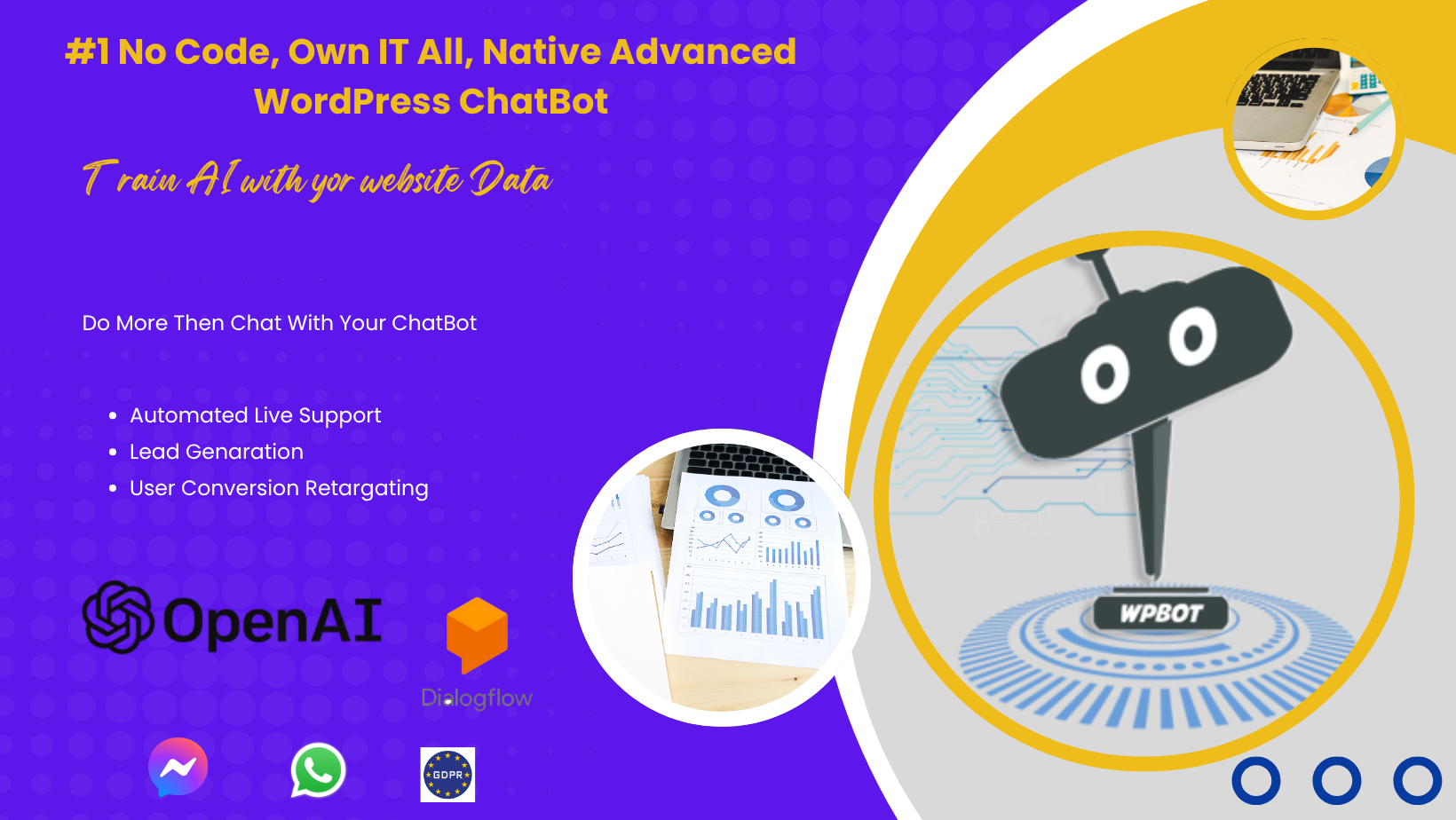 WPBot is a no-code AI chatbot platform for WordPress and WooCommerce.
It helps businesses automate:
· Customer support
· Pre-sales questions
· Product search
· Lead generation
· FAQ automation
· Order-related queries
· Conversation-based marketing
With WPBot Pro Master License, you’re not just using the tool — you’re offering it as a paid service to other businesses.
What Makes the WPBot Pro Master License Different?
Most WordPress plugins give you a license for one site or a few domains.
The Master License is different.
It’s built for agencies, freelancers, and service businesses.
Here’s what you can do with it:
✔ Install WPBot on 50 client websites
You can manage dozens of clients without paying per site.
✔ White-label everything
Replace WPBot branding with your own:
· Your logo
· Your colors
· Your company name
· Custom domain
· Your own “AI Chatbot Services” brand
Clients see your service, not a plugin.
✔ Centralized dashboard
From one login, you control:
· Chatbot settings
· Training data
· Client FAQs
· WooCommerce automations
· Lead collection
· Chat logs and analytics
You can manage all 50 clients from a single panel.
✔ No coding, API, or hosting required
Just install, configure, and launch.
✔ Charge clients monthly, yearly, or one-time
WPBot doesn’t control your pricing.
You set your own packages and keep 100% profit.
Why Is This a Perfect Agency Service?
Because every business — small or big — now expects instant replies.
They want:
· AI chat
· 24/7 support
· Automated FAQs
· WooCommerce search
· Lead capture
· Conversational product recommendations
And they don’t want to hire a support agent.
WPBot solves this.
And you get to package it as your own AI support service.
How Do You Turn WPBot Into a Service You Can Sell?
Let’s walk through the business model step by step.
Step 1: Define Your “AI Chatbot Support Service” Offer
Keep it simple.
Clients don’t buy “plugins”.
They buy results:
· Fewer support emails
· More sales
· Faster replies
· Better customer experience
· Reduced workload
Here’s an example of a service package:
AI Support Assistant (Base Package)
· AI chatbot on their website
· Answers FAQs
· Greets visitors
· Captures leads
· Sends transcripts
· Dashboard access optional
AI Sales Assistant (Advanced Package)
· Everything in Base Package
·
o WooCommerce product search
·
o Order lookup automation
·
o Conversational recommendations
AI Enterprise Support (Premium Package)
· White-glove chatbot setup
· Monthly optimization
· Chat log review
· Custom prompts
· Added FAQs
· Monthly performance reports
You can charge clients for:
· Setup
· Hosting
· Maintenance
· Conversation optimization
· Monthly reporting
Step 2: Create Recurring Revenue Plans
Here’s a simple pricing model agencies use:
|
Plan |
Monthly Price |
What You Offer |
|
Starter |
$29/mo |
Basic AI chatbot + FAQ |
|
Growth |
$69/mo |
WooCommerce AI + leads + analytics |
|
Premium |
$149/mo |
Full automation + support + monthly updates |
Profit margins?
Nearly 90%, because your cost is fixed.
If you fill all 50 slots at only $29/month:
50 × $29 = $1,450/month
For a single plugin license.
Step 3: Package WPBot as a “Done-For-You” Service
Most business owners can’t (or won’t) configure their own chatbot.
That’s where you step in.
You offer:
· Setup
· Training
· Custom prompts
· Chat flow
· FAQ import
· WooCommerce integration
· Styling and branding
· Monthly fine-tuning
Clients pay for your time and expertise, not the tool.
Step 4: Use WPBot Pro Master Dashboard to Scale to 50 Clients
The dashboard lets you:
· Clone chatbot settings
· Copy FAQ models
· Reuse templates
· Apply updates across websites
· Monitor chat logs in one place
This is where your agency becomes scalable.
You can maintain 20–50 clients with very little time.
Step 5: Add Optional Add-Ons for More Profit
Your service doesn’t stop at chatbot setup.
You can upsell:
✔ FAQ Writing Services
Charge $50–$300 depending on size.
✔ WooCommerce Product Data Cleanup
Most stores need this.
✔ Monthly Chat Log Optimization
Charge clients for improving the bot based on real conversations.
✔ Lead Management
You can collect, filter, and deliver leads.
✔ Custom AI Training
Offer custom prompts and training sets.
These are powerful revenue boosters.
Step 6: Sell to High-Demand Niches
Some industries love chat automation:
· eCommerce
· Clinics
· Coaching websites
· Real estate
· Service providers
· Restaurants
· Gyms
· Hotels
· Repair shops
· Education platforms
Target niches with high volume of repetitive questions.
Step 7: Create Simple Marketing Pages for Your Service
Here’s a beginner-friendly site structure:
Homepage
“AI Chat Support for Your Business — 24/7”
Pricing Page
Show 3 packages.
Case Studies Page
Show before/after benefits:
· Less support tickets
· More conversions
· Visitor engagement
Contact Page
Add a form + WPBot demo.
You can even embed WPBot on your own site as a live demo.
Step 8: Use WPBot on Your Own Site as Proof
Clients will trust you more when they chat with your chatbot.
Use it as a sales tool:
· It greets visitors
· Answers questions
· Shows your services
· Books meetings
· Collects leads
Your chatbot becomes your best salesperson.
Step 9: Deliver Monthly Reports (WPBot Makes This Easy)
Clients love numbers.
Include:
· Total conversations
· Leads captured
· Top questions
· FAQ performance
· Sales questions volume
· Missed questions → improvements
This is how you show value every month.
What Are the Real Agency Benefits of WPBot Pro Master License?
1. Zero ongoing cost for new clients
Your license covers up to 50 clients.
2. Zero development or coding
Everything is no-code.
3. Zero server maintenance
The plugin stays on their site.
4. High recurring revenue
You can charge $29–$150 per client.
5. High demand across industries
Every website wants automation.
6. You control the branding
Clients see your company — not WPBot.
7. You control the pricing
Charge anything you want.
8. You keep 100% of the profit
There’s no revenue share.
How Profitable Can This Be? (Realistic Scenarios)
Let’s do a quick breakdown.
Scenario 1: 10 Clients
10 × $49/mo = $490/month
Simple part-time income.
Scenario 2: 25 Clients
25 × $69/mo = $1,725/month
This becomes a real business.
Scenario 3: 50 Clients
50 × $99/mo = $4,950/month
A fully automated micro-agency.
Your Costs?
Just the Master License (one-time fee).
Your profit margin is almost 100%.
What Makes WPBot Better Than Other Chatbot Platforms?
Most AI chatbot SaaS platforms:
· Charge per seat
· Charge per website
· Charge per conversation
· Charge per 1,000 messages
· Charge monthly forever
· Offer no white labeling
· Don’t integrate smoothly with WordPress
· Don’t understand WooCommerce products
WPBot Pro Master License gives you:
✔ Unlimited client chats
✔ Unlimited bot conversations
✔ No per-chat or per-message fees
✔ No API usage billing
✔ WooCommerce intelligence built-in
✔ Complete WordPress integration
✔ One-time cost, lifetime use
✔ Full white-label control
SaaS platforms can’t beat that value for agencies.
How to Get Your First Clients (Simple Guide)
Use these steps:
1. Start with your network
Message local businesses.
2. Offer a 7-day free demo
Install WPBot on their site.
Let them see results.
3. Show a simple “Before vs After”
Example:
Before → Emails go unanswered
After → AI replies instantly
4. Target WooCommerce stores
They benefit the most.
5. Create a one-page sales PDF
Explain your service clearly.
6. Use Facebook groups for leads
Many people ask for automation help.
FAQs About Turning WPBot into a Business
1. Do clients know I’m using WPBot?
No.
You can white-label everything.
2. Do I need AI or technical skills?
Not at all.
Everything is click-and-configure.
3. Can I charge clients monthly?
Yes.
You set your own pricing.
4. Does WPBot handle WooCommerce?
Yes.
It can search products, answer order questions, and more.
5. Can I scale to 50+ clients?
The Master License covers 50 sites.
You can upgrade or split clients if needed.
6. Can I run this business solo?
Yes.
One person can manage all 50 clients.
Conclusion: WPBot Pro Master License Is the Easiest Agency Model to Start in 2025
If you want a business that is:
· Easy to start
· Low cost
· High demand
· High recurring revenue
· No coding
· No development
· Scalable
· Profitable
· White-label ready
Then the WPBot Pro Master License gives you everything you need.
You’re not just buying a plugin.
You’re buying a business model, a service offering, and a recurring revenue machine you can start today.