Introduction: Getting Traffic but No Sales?
Have you ever faced this problem?
- Your website is getting visitors
- But no one is buying anything
- No one is filling out your contact form
- Your bounce rate is going up
I’ve been there too.
Getting traffic is easy…
But turning visitors into customers? That’s the real challenge.
This is where WPBot completely changes the game.
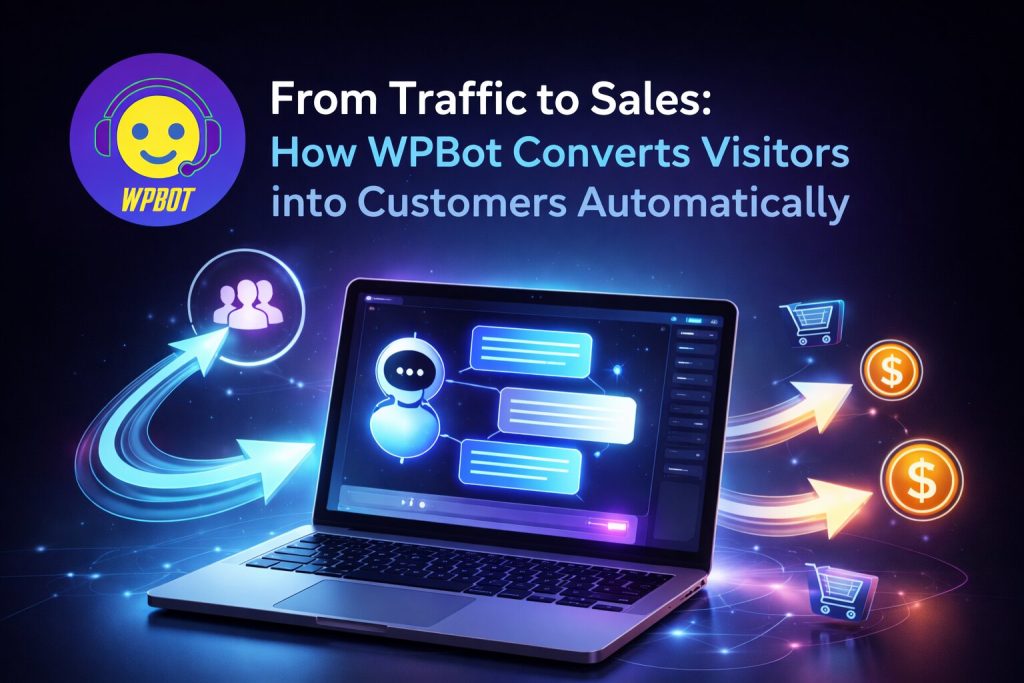
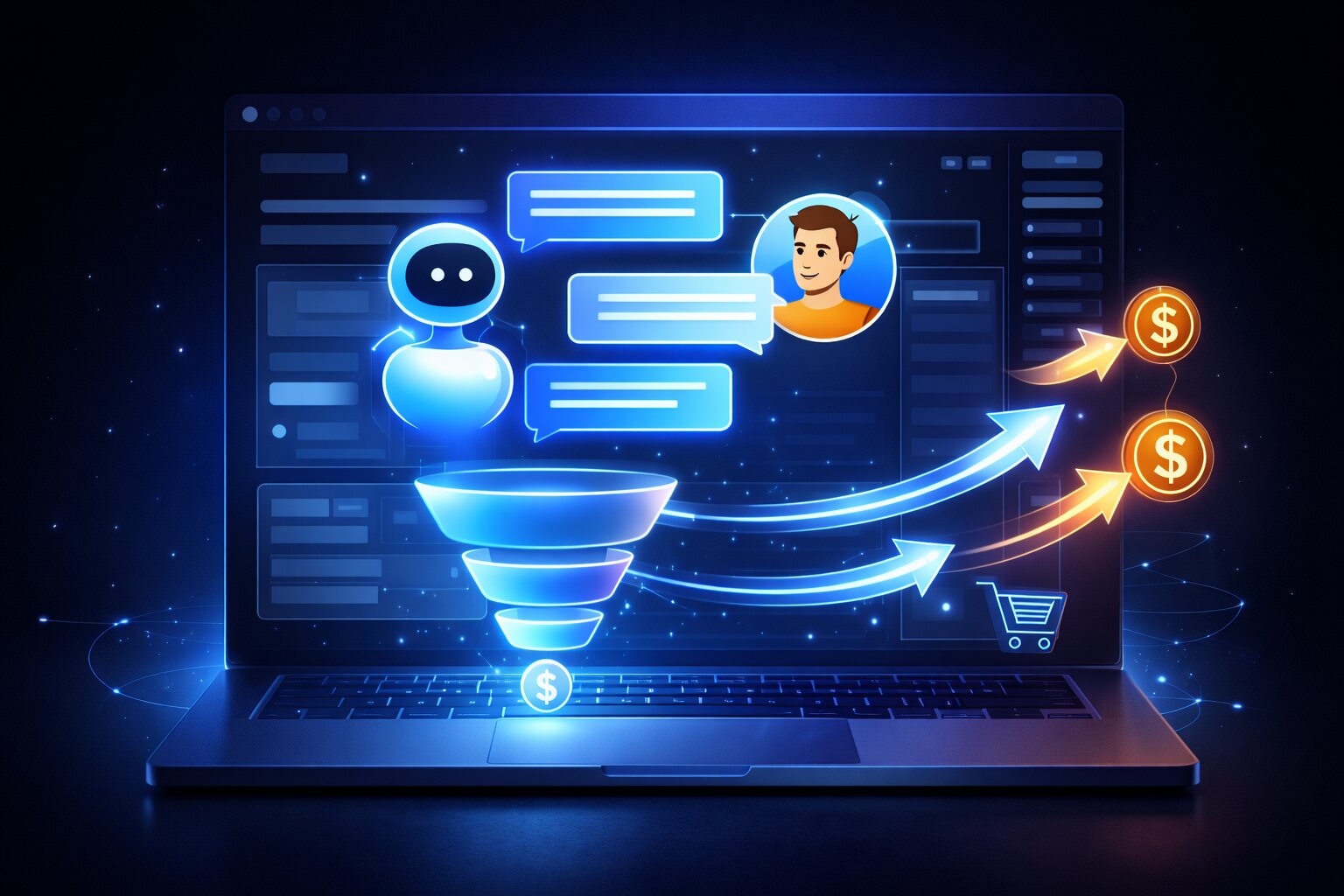
In this guide, I’ll show you how to use WPBot to create an automatic sales funnel that works 24/7 — even when you’re sleeping.
What is WPBot?
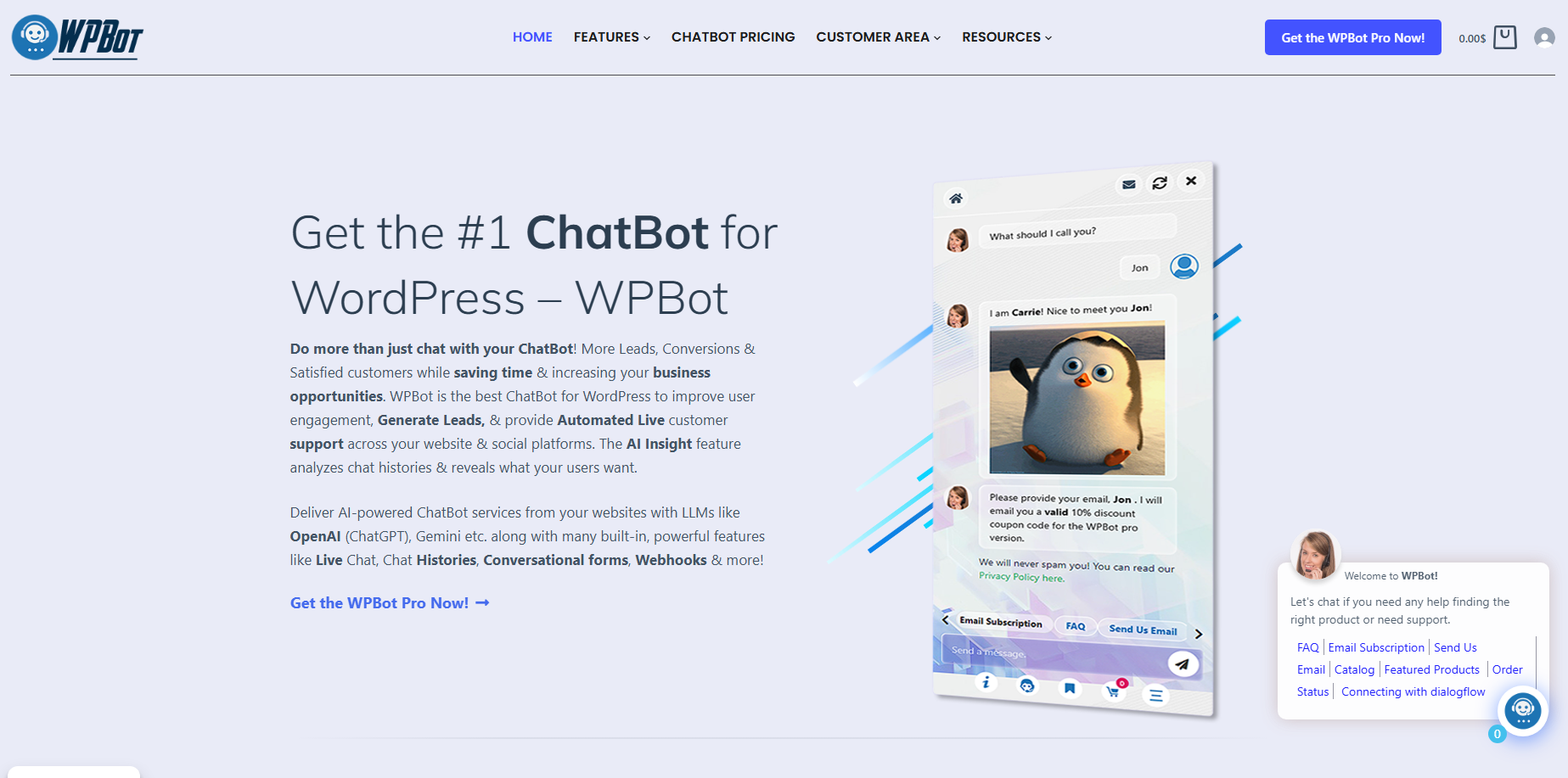
WPBot is an AI-powered WordPress chatbot plugin that interacts with your website visitors in real time.
In simple terms:
- A visitor comes to your site
- WPBot greets them instantly
- It asks questions
- Guides them
- And helps convert them into customers
Think of it as your smart virtual sales assistant.
Why Most Websites Fail to Convert
Let’s be honest…
Most websites fail because of these common mistakes:
❌ No Instant Response
A visitor has a question → no reply → they leave
❌ No Engagement
Static pages feel boring and lifeless
❌ No Guidance
Visitors don’t know where to click or what to do next
❌ No Follow-Up
Once a visitor leaves, they’re gone forever
👉 The result?
Wasted traffic + zero conversions
How WPBot Solves This Problem
WPBot is not just a chatbot — it’s a conversion engine.
✅ 1. Instant Engagement (First Impression Matters)
The moment a visitor lands on your site, WPBot can say:
👉 “Hi! How can I help you today?”
This simple message can keep users engaged instantly.
✅ 2. Smart Conversation Flow
With WPBot, you can create structured conversations:
- Recommend products
- Answer FAQs
- Explain your services
👉 Example:
User: “What’s your pricing?”
Bot: “Here are our available plans 👇”
✅ 3. Automated Lead Generation
WPBot can automatically collect:
- Name
- Phone number
👉 That means:
Visitors turn into leads automatically
✅ 4. AI + ChatGPT Integration
WPBot integrates with AI to deliver:
- Smart replies
- Natural conversations
- Better understanding of user intent
👉 Result:
Visitors feel like they’re talking to a real human.
✅ 5. Your 24/7 Sales Assistant
WPBot never sleeps.
- No delays
- No missed opportunities
- No lost customers
It works for you all day, every day.
Step-by-Step: Build Your Sales Funnel with WPBot

Let’s build your conversion system step by step.
Step 1: Install WPBot
- Go to your WordPress dashboard
- Navigate to Plugins → Add New
- Search for “WPBot”
- Install and activate
Step 2: Set Up a Welcome Message
First impressions matter.
👉 Example:
“Welcome!
Looking for something? I’m here to help!”
Step 3: Create a Conversation Flow
Define how your chatbot will interact:
- FAQs
- Product details
- Pricing information
- Customer support
👉 Goal:
Guide the visitor smoothly without confusion.
Step 4: Enable Lead Capture
Use WPBot to collect user details.
👉 Example:
- “Can I get your email to send you a discount?”
- “Want a free guide?”
💡 Pro tip: Offer something valuable in exchange.
Step 5: Add AI Integration
Connect AI features for:
- Smarter responses
- Better engagement
- More natural conversations
Step 6: Track and Optimize
Monitor your performance:
- Number of chats
- Leads generated
- Conversion rate
👉 Then improve based on data.
Real Use Case: E-commerce Store
Let’s say you run an online store.
With WPBot, you can:
- Recommend products
- Recover abandoned carts
- Offer discounts
👉 Example:
User: “Looking for shoes”
Bot: “Here are our best-selling shoes 👇”
What Results Can You Expect?

If used correctly, WPBot can help you:
- ✅ Reduce bounce rate
- ✅ Increase engagement
- ✅ Generate more leads
- ✅ Boost sales
Pro Tips (From Real Experience)
Want better results? Follow these:
🔹 Keep Messages Short
Long messages lose attention
🔹 Use a Human Tone
Avoid robotic responses
🔹 Add Clear CTAs
Examples:
- “Buy Now”
- “Get Offer”
- “Talk to Us”
🔹 Personalize the Experience
Use the visitor’s name when possible
Common Mistakes to Avoid
Avoid these if you want success:
- Sending too many messages
- Slow chatbot responses
- No clear goal
- No follow-up strategy
👉 Remember:
Simple always wins
Final Thoughts
In today’s digital world, having a website is not enough.
You need:
👉 Engagement
👉 Automation
👉 Conversion
Ready to Turn Traffic into Sales?
If you truly want:
- More revenue from your website
- Automated lead generation
- A 24/7 sales system
Then it’s time to start using WPBot.
Try WPBot today — and start turning your visitors into paying customers automatically.