You can grow your business faster with WPBot by automating customer support, capturing leads 24/7, engaging visitors in real time, and driving conversions—without hiring more staff. It works directly inside your WordPress site, turning traffic into customers on autopilot.
Let’s break it down in a simple, practical way.
What is WPBot?
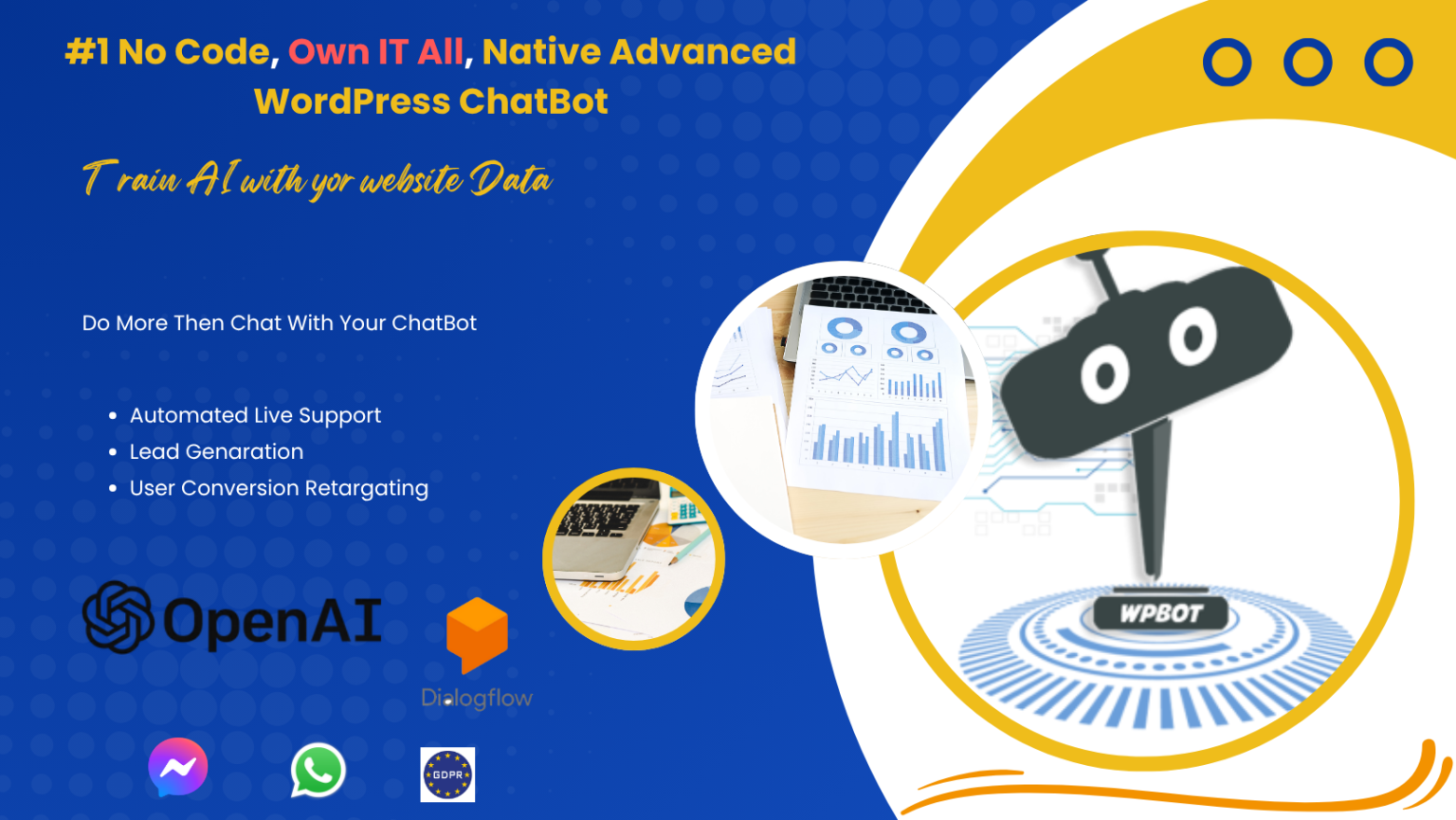
WPBot is a no-code AI chatbot plugin for WordPress that lives on your website and talks to visitors instantly.
It can:
- Answer questions
- Recommend products
- Capture emails
- Guide users through your site
- Reduce support workload
Think of it as a 24/7 digital assistant that never sleeps.
Why Should You Care About WPBot in 2026?
User behavior has changed.
People don’t want to:
- Search through pages
- Wait for replies
- Fill long forms
They want instant answers.
That’s where WPBot wins.
Here’s what businesses are seeing:
- Higher conversions (instant engagement)
- Lower bounce rates (users stay longer)
- More leads (automated capture)
- Reduced support costs (less manual work)
How Does WPBot Actually Grow Your Business?
Let’s get straight to the real impact.
1. Converts Visitors Into Leads Automatically
Most websites lose visitors forever.
WPBot fixes that.
How?
- Pops up at the right time
- Starts conversations
- Asks for contact info
- Stores data for follow-up
Example:
A visitor lands on your site → WPBot asks:
“Looking for something specific?”
Then:
- Suggests help
- Offers a discount
- Captures email
👉 That’s a lead you would’ve lost.
2. Provides Instant Customer Support (24/7)
Customers don’t wait anymore.
If you don’t reply fast → they leave.
WPBot handles:
- FAQs
- Order tracking
- Product info
- Basic troubleshooting
Result:
- Faster response time
- Better user experience
- More trust
3. Increases Sales Through Smart Recommendations
WPBot isn’t just support.
It’s a sales assistant.
It can:
- Suggest products based on keywords
- Upsell and cross-sell
- Guide users to checkout
Example:
User types: “cheap headphones”
WPBot replies:
- Shows products
- Filters options
- Links directly to buy
👉 Less friction = more sales.
4. Reduces Cart Abandonment
Cart abandonment is a silent killer.
WPBot helps recover those sales.
How?
- Sends reminders
- Offers discounts
- Answers last-minute doubts
Quick wins:
- “Need help before checkout?”
- “Here’s 10% off if you complete your order”
👉 Small nudges = big revenue.
5. Automates Repetitive Tasks
You waste time answering the same questions.
WPBot eliminates that.
Automate:
- “What are your hours?”
- “Where are you located?”
- “Do you offer refunds?”
Result:
- Save time
- Focus on growth
- Scale faster
What Features Make WPBot Powerful?
Here’s a clear breakdown.
Core Features
- No-code setup
- Works inside WordPress
- Live chat + chatbot hybrid
- AI integration (OpenAI, Dialogflow, etc.)
- WooCommerce support
Advanced Features That Drive Growth
🔥 Lead Generation Tools
- Email capture
- Form integration
- CRM syncing
🔥 E-commerce Automation
- Product search
- Order tracking
- Cart recovery
🔥 AI Responses
- Natural conversations
- Context-aware replies
- Smart suggestions
🔥 Multi-channel Integration
How to Set Up WPBot (Step-by-Step)
Let’s keep it simple.
Step 1: Install WPBot
- Go to WordPress dashboard
- Plugins → Add New
- Search “WPBot”
- Install & activate
Step 2: Configure Basic Settings
- Choose chatbot name
- Upload avatar
- Set welcome message
Step 3: Add Knowledge Base
This is critical.
Add:
- FAQs
- Product details
- Business info
👉 Better data = better answers.
Step 4: Enable AI Integration (Optional but Powerful)
Connect:
This allows:
- Natural conversations
- Smarter responses
Step 5: Set Up Lead Capture
Add:
- Email forms
- Incentives (discounts, offers)
Step 6: Test Everything
Check:
- Responses
- Flow
- Mobile experience
Real Use Cases (How Businesses Actually Use WPBot)
E-commerce Stores
- Product recommendations
- Order tracking
- Upselling
Service Businesses
- Appointment booking
- Lead qualification
- FAQ automation
Blogs & Content Sites
- Content suggestions
- Newsletter signup
- User engagement
WPBot vs Traditional Live Chat
|
Feature |
WPBot |
Live Chat |
|
Availability |
24/7 |
Limited |
|
Cost |
Low |
High |
|
Speed |
Instant |
Depends |
|
Scalability |
Unlimited |
Limited |
|
Automation |
Yes |
No |
👉 WPBot wins for scale and efficiency.
Common Mistakes to Avoid
Even a good tool can fail if used wrong.
❌ Mistake 1: Not Training the Bot
Fix:
- Add real FAQs
- Update regularly
❌ Mistake 2: Overcomplicating Conversations
Fix:
- Keep flows simple
- Focus on user intent
❌ Mistake 3: Ignoring Analytics
Fix:
- Track user queries
- Improve weak areas
❌ Mistake 4: No Clear Goal
Fix:
Ask yourself:
- Do you want leads?
- Sales?
- Support automation?
👉 Build chatbot around ONE goal.
Pro Strategies to Grow Faster with WPBot
Now the good stuff.
Strategy 1: Use Exit-Intent Messages
When users try to leave:
- Show offer
- Ask a question
👉 Saves lost traffic.
Strategy 2: Personalize Conversations
Use:
- Name
- Behavior
- Previous actions
👉 Feels human → builds trust.
Strategy 3: Combine AI + Rules
Don’t rely only on AI.
Use:
- Predefined flows
- Smart triggers
👉 Best of both worlds.
Strategy 4: Integrate with CRM
Sync leads to:
👉 Follow-up = more conversions.
Strategy 5: Use Chatbot for Content Discovery
Recommend:
- Blog posts
- Guides
- Resources
👉 Keeps users engaged longer.
SEO Benefits of Using WPBot
Most people ignore this.
But it matters.
How WPBot Helps SEO:
- Reduces bounce rate
- Increases dwell time
- Improves engagement
- Helps users find content faster
👉 These are positive SEO signals.
Is WPBot Worth It in 2026?
Short answer: Yes—if you use it properly.
Best for:
- Small businesses
- E-commerce stores
- Agencies
- Bloggers
Not ideal if:
- You don’t update content
- You expect “set and forget”
👉 WPBot works best when optimized.
FAQs (People Also Ask)
What is WPBot used for?
WPBot is used to automate customer interactions, generate leads, provide support, and increase conversions on WordPress websites.
Does WPBot require coding?
No. It’s a no-code solution. You can set it up without technical skills.
Can WPBot increase sales?
Yes. By:
- Recommending products
- Reducing friction
- Engaging users instantly
Is WPBot free?
There is a free version, but advanced features require paid versions.
Can WPBot work with WooCommerce?
Yes. It integrates deeply with WooCommerce for:
- Product search
- Cart assistance
- Order tracking
Final Thoughts
If you’re serious about growth in 2026, you need automation.
WPBot gives you:
- Speed
- Scale
- Efficiency
Without increasing your workload.
Start simple.
Then improve over time.
That’s how you turn a chatbot into a growth engine.