Contents
- 1 What Problem Does WPBot Solve?
- 2 What Is WPBot?
- 3 How Does WPBot Turn Visitors into Customers?
- 4 Key Features That Drive Conversions
- 5 Why AI Chatbots Increase Website Conversions
- 6 Use Cases for WPBot
- 7 WPBot vs Traditional Live Chat
- 8 How to Set Up WPBot (Simple Process)
- 9 Real Example of a Conversion Journey
- 10 Best Practices for Maximizing WPBot Conversions
- 11 SEO Benefits of Using WPBot
- 12 Frequently Asked Questions (FAQ)
- 13 Final Thoughts
If your website gets traffic but few sales, you’re missing real-time engagement. WPBot fixes this by automatically talking to visitors, answering questions, recommending products, capturing leads, and guiding users to checkout — all without human support.
Think of it as a 24/7 AI sales assistant inside your WordPress website.
In this guide, I’ll walk you through how WPBot works, why it converts visitors into customers, and how you can use it to grow your business automatically.
No hype. Just facts.
What Problem Does WPBot Solve?
Most websites have the same problem.
They get traffic but lose visitors.
People land on a page, look around, then leave.
Why?
Usually because:
- They can’t find information quickly
- They have questions
- They don’t trust the site yet
- They get distracted and leave
Without instant help, the visitor disappears.
This is where AI chatbots change everything.
A chatbot engages visitors the moment they arrive.
Instead of passive browsing, the website becomes interactive.
That interaction is what converts traffic into customers.
What Is WPBot?
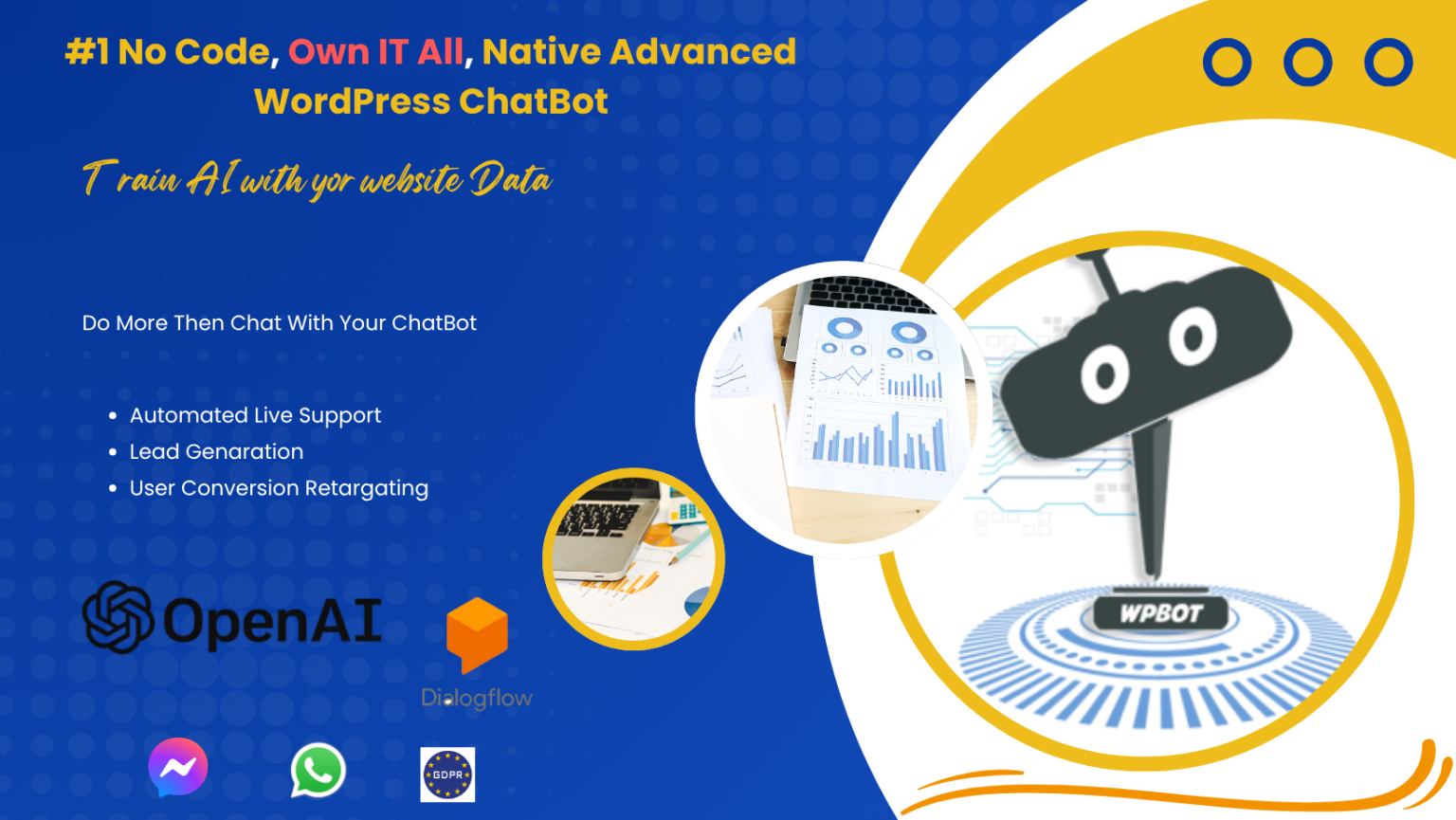 WPBot is a no-code AI chatbot plugin for WordPress.
It allows website owners to create a fully automated chatbot that interacts with visitors in real time.
The chatbot can:
- Answer questions
- Help users find content
- Recommend products
- Capture leads
- Provide support
- Guide visitors through the buying journey
All of this happens automatically inside your website.
No support agents required.
How Does WPBot Turn Visitors into Customers?
Let’s break this down step by step.
Turning traffic into sales requires four key actions:
- Engage visitors immediately
- Answer their questions
- Guide them toward solutions
- Remove buying friction
WPBot does all four.
Step 1: Instant Engagement (The First 5 Seconds Matter)
When someone visits your website, you have seconds to capture attention.
Most websites fail here.
WPBot solves this with automatic welcome messages.
Examples:
- “Hi there! Looking for something?”
- “Need help finding the right product?”
- “I can help you choose.”
This simple interaction changes behavior.
Instead of leaving, visitors start conversations.
Why this matters:
- Engagement increases time on site
- Visitors explore more pages
- Trust increases
And trust leads to sales.
Step 2: Answer Questions Instantly
Visitors often leave because they can’t find answers.
Common questions include:
- What does this product do?
- How much does it cost?
- Is there a discount?
- Do you offer support?
- Where is the documentation?
If answers take too long, visitors leave.
WPBot fixes this by providing instant responses.
The chatbot can pull information from:
- Website content
- Knowledge base
- FAQs
- Product data
- Custom chatbot training
So the visitor gets answers immediately.
No waiting.
Step 3: Help Visitors Discover the Right Content
Many visitors don’t know where to go on a website.
Navigation can be confusing.
WPBot works like a smart search assistant.
Visitors can ask:
- “How do I install this plugin?”
- “Do you have WooCommerce support?”
- “Where is the documentation?”
The chatbot responds with:
- Relevant pages
- Documentation links
- Product recommendations
This helps visitors find what they need faster.
And when people find value quickly, they are more likely to convert.
Step 4: Recommend Products Automatically
This is where WPBot becomes a sales engine.
For WooCommerce websites, WPBot can recommend products.
Example interaction:
Visitor:
“I need a chatbot for my store.”
Bot:
“Here are products that may help you.”
Then the bot displays:
- Product name
- Price
- Description
- Link to buy
This turns the chatbot into a personal shopping assistant.
Just like a salesperson in a physical store.
Step 5: Reduce Cart Abandonment
Cart abandonment is a huge problem in eCommerce.
Visitors add products to the cart but don’t complete checkout.
Common reasons:
- Confusion
- Pricing questions
- Shipping concerns
- Technical issues
WPBot helps by providing instant assistance during the buying process.
Examples:
Visitor:
“Is there free shipping?”
Bot:
“Yes, orders above $50 qualify for free shipping.”
This small interaction can save a lost sale.
Step 6: Capture Leads Automatically
Not every visitor buys immediately.
Some just want information.
Instead of losing them, WPBot captures leads.
For example, the bot can ask:
- “Would you like a demo?”
- “Want to receive updates?”
- “Need help choosing the right plan?”
Then it collects:
- Name
- Phone number
This turns anonymous visitors into qualified leads.
Your marketing team can follow up later.
Key Features That Drive Conversions
Here are the most important WPBot features that help convert traffic.
AI Chat Automation
WPBot can automate conversations using AI.
This allows the chatbot to:
- Understand natural questions
- Provide relevant responses
- Improve interactions over time
Smart Search
Visitors can search the entire website directly through the chatbot.
Benefits include:
- Faster content discovery
- Better user experience
- Reduced bounce rates
WooCommerce Integration
For eCommerce websites, WPBot integrates directly with WooCommerce.
Capabilities include:
- Product search
- Product recommendations
- Order assistance
FAQ Automation
You can upload frequently asked questions.
The chatbot instantly answers these questions.
This dramatically reduces support tickets.
Lead Generation
WPBot can collect leads automatically.
You can connect it with:
- Email marketing tools
- CRM platforms
- Support systems
Why AI Chatbots Increase Website Conversions
Let’s look at the core reasons chatbots work so well.
1. Instant Response
People expect instant answers.
Chatbots deliver them.
2. Personalized Interaction
Each visitor gets a unique conversation.
This increases engagement.
3. 24/7 Availability
Humans can’t support customers all the time.
Chatbots can.
4. Reduced Friction
Chatbots simplify navigation and decision making.
This leads to faster conversions.
Use Cases for WPBot
WPBot works across many industries.
Here are some common use cases.
eCommerce Stores
Online stores use WPBot to:
- Recommend products
- Answer product questions
- Reduce cart abandonment
SaaS Businesses
Software companies use WPBot to:
- Explain product features
- Provide documentation
- Capture leads
Service Businesses
Service companies use chatbots to:
- Book consultations
- Answer service questions
- Generate leads
Content Websites
Blogs and publishers use WPBot to:
- Help readers find articles
- Recommend related content
- Increase time on site
WPBot vs Traditional Live Chat
Many websites still use live chat.
But AI chatbots have advantages.
|
Feature |
WPBot AI Chatbot |
Live Chat |
|
Availability |
24/7 |
Limited hours |
|
Response time |
Instant |
Depends on staff |
|
Cost |
Low |
High |
|
Scalability |
Unlimited users |
Limited agents |
|
Automation |
Yes |
No |
Live chat is useful.
But chatbots scale better.
How to Set Up WPBot (Simple Process)
Setting up WPBot is straightforward.
Step 1: Install the Plugin
Install the plugin from the WordPress dashboard.
Step 2: Configure the Chatbot
Customize:
- Welcome message
- Conversation flows
- FAQs
Step 3: Connect Integrations
Integrate with tools like:
- WooCommerce
- Email marketing platforms
- CRM systems
Step 4: Train the Bot
Add:
- FAQs
- Knowledge base
- Product information
Step 5: Launch the Chatbot
Once activated, the chatbot appears on your website.
Visitors can start chatting immediately.
Real Example of a Conversion Journey
Here’s a typical chatbot interaction.
- Visitor lands on homepage
- Chatbot greets them
- Visitor asks a question
- Chatbot provides answer
- Bot recommends product
- Visitor clicks product page
- Visitor completes purchase
The chatbot acts like a digital salesperson.
Best Practices for Maximizing WPBot Conversions
To get the best results, follow these strategies.
1. Write simple chatbot responses
Avoid long paragraphs.
Use clear, helpful answers.
2. Focus on common customer questions
Start with:
- Pricing
- Features
- Setup
- Support
3. Use product recommendations
Suggest products when relevant.
4. Capture leads strategically
Offer helpful resources like:
- Free guides
- Demos
- Discounts
5. Continuously improve conversations
Analyze chatbot logs.
Improve responses over time.
SEO Benefits of Using WPBot
WPBot can also improve SEO indirectly.
Here’s how.
Lower bounce rate
Visitors stay longer.
Higher engagement
More interaction increases dwell time.
Visitors discover more pages.
More returning visitors
Helpful experiences bring users back.
These signals can positively influence search rankings.
Frequently Asked Questions (FAQ)
What is WPBot?
WPBot is a chatbot plugin for WordPress that automatically interacts with website visitors, answers questions, and helps convert them into customers.
Does WPBot require coding?
No.
WPBot is designed for non-technical users.
Setup is done through the WordPress dashboard.
Can WPBot work with WooCommerce?
Yes.
WPBot integrates with WooCommerce to provide:
- Product search
- Product recommendations
- Customer assistance
Is WPBot better than live chat?
It depends.
Live chat works for human support.
But WPBot provides 24/7 automated conversations without staffing costs.
Can WPBot capture leads?
Yes.
WPBot can collect:
- Names
- Emails
- Phone numbers
This helps businesses build lead databases.
Final Thoughts
Website traffic alone does not generate revenue.
Engagement does.
Most websites lose visitors because they fail to interact with them.
WPBot solves this problem by turning passive websites into interactive experiences.
It greets visitors.
Answers questions.
Recommends products.
Captures leads.
And guides users toward conversion.
All automatically.
If your website already gets traffic, adding a chatbot can be one of the simplest ways to increase conversions without increasing marketing spend.