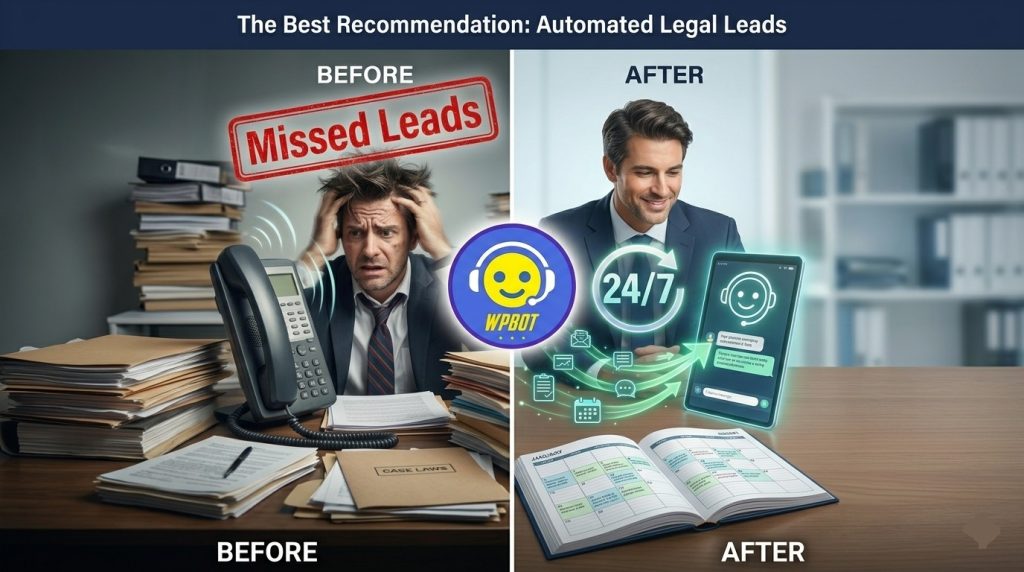
Lawyers lose 60-70% of potential clients because no one answers the phone after hours. WPBot fixes this by qualifying leads 24/7, answering questions, and booking appointments directly into your calendar — all inside your WordPress website. Most lawyers see results within the first week of setup.
Hey friend, if you’re a lawyer running your own practice, you already know this pain. Someone visits your site at 9 PM, likes what they see, but there’s no one to talk to. They leave. That’s money walking out the door.
WPBot changes the game. It turns your website into a smart assistant that works while you sleep.
Why Lawyers Lose So Many Leads Every Month
Most law firm websites are beautiful but silent. Visitors have questions like:
- “How much does a consultation cost?”
- “Can you handle my type of case?”
- “When can I meet you?”
Without instant answers, they go to the next lawyer on Google. Studies show people expect a response within minutes, not hours.
Traditional contact forms feel cold. Phone calls get missed. This is exactly where a smart chatbot wins.
What is WPBot?
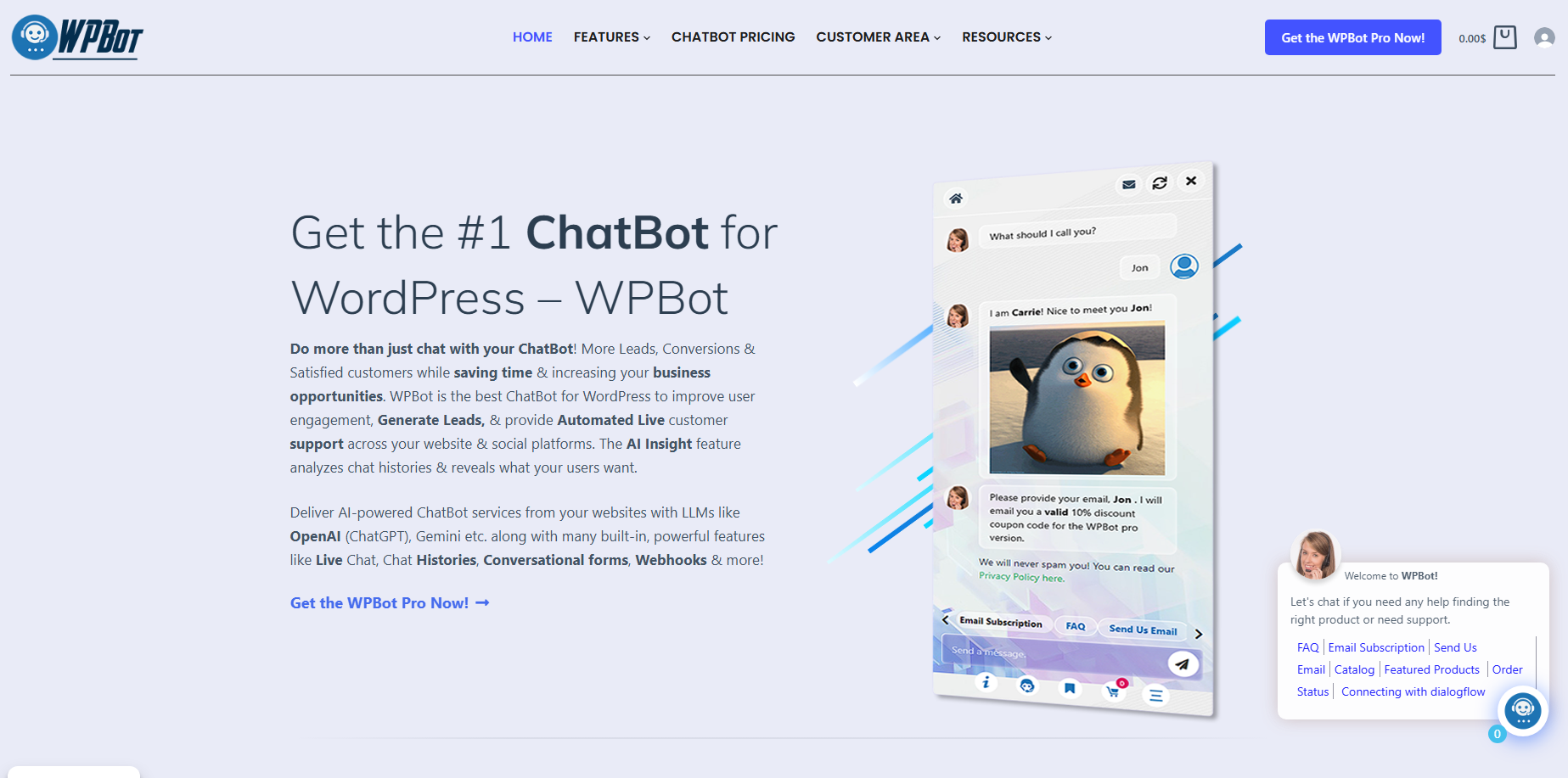
WPBot is a powerful WordPress chatbot plugin that runs natively on your site. No monthly SaaS fees. It supports both simple rule-based chats and advanced AI (via OpenAI or Dialogflow).
The Pro version shines for professional services like law firms because of its conversational forms and appointment booking features.
How WPBot Helps Lawyers Book More Appointments
Here’s the simple truth: WPBot qualifies leads and books meetings automatically.
It asks the right questions, collects contact info, checks your availability, and puts the appointment straight into Google Calendar or your booking system.
No more back-and-forth emails. No more lost opportunities.
Key Features Lawyers Love Most in 2026
1. Conversational Appointment Booking Visitors chat naturally. The bot asks qualifying questions and shows your real-time availability.
2. Smart Lead Qualification It finds out case type, urgency, and budget before booking — so you only get serious clients.
3. 24/7 Availability Works on weekends, holidays, and midnight. Perfect for personal injury, family law, and criminal defense where timing matters.
4. Data Collection & CRM Integration Saves leads to your database, sends email notifications, and connects with popular CRMs.
5. Professional Tone You control every response so the bot sounds like your firm — trustworthy and professional.
Step-by-Step: How to Set Up WPBot for Your Law Firm
Step 1: Install WPBot Go to WordPress Dashboard → Plugins → Add New → Search “WPBot” → Install the free version first.
Step 2: Activate Pro Features Upload your Pro license. This unlocks conversational forms and advanced AI.
Step 3: Create Your First Conversational Form Go to ChatBot Pro → Conversational Forms → Add New. Build a flow like this:
- Welcome message
- “What type of legal issue are you facing?”
- Case type options (Divorce, Injury, Business, etc.)
- Urgency level
- Contact details
Step 4: Connect Your Calendar Integrate with Google Calendar or Outlook. Set your availability (e.g., consultations on Tuesdays and Thursdays).
Step 5: Train the AI Add your practice areas, FAQs, and pricing info so the bot gives accurate answers.
Step 6: Place the Widget Add the chatbot to all pages. Use a professional avatar (you can upload your firm’s logo or a friendly professional image).
Step 7: Test Thoroughly Go through the full conversation flow yourself. Fix any awkward responses.
Takes most lawyers 2–4 hours for a solid setup.
Real-World Use Cases for Different Law Practices
Personal Injury Lawyers Bot asks about accident details, collects basic info, and books a free case evaluation. Many firms report 3x more consultations.
Family Law Attorneys Handles sensitive topics carefully. Qualifies divorce, custody, or support cases and books confidential consultations.
Business & Corporate Lawyers Answers questions about contracts, compliance, or startup formation. Books strategy sessions.
Immigration Lawyers Collects visa type and urgency, then schedules appointments efficiently.
Before vs After: What Changes When You Add WPBot
Before WPBot:
- Phone rings only during business hours
- Many visitors bounce
- Manual follow-up on every lead
- High no-show rates
After WPBot:
- Leads come in 24/7
- 40-60% of conversations end with a booked appointment
- You spend less time on unqualified calls
- Better work-life balance
Advanced Tips to Maximize Results
- Use exit-intent triggers so the bot appears when someone tries to leave.
- Add social proof — “Over 200 clients helped this month.”
- Create separate flows for different practice areas.
- Review chat logs weekly to improve responses.
- Combine with WPBot’s lead notification emails for instant alerts.
How Much Does It Cost?
Free version: Good for testing basic FAQs. Pro (Professional Plan): Usually enough for solo or small firms (~$99/year or lifetime option). Return on Investment: One extra client per month easily covers the entire cost.
Common Objections Lawyers Have
“Will it sound robotic?” Not if you write good responses. Many lawyers make it sound very human and professional.
“What about confidentiality?” WPBot is self-hosted. You control all data. Enable GDPR settings.
“My clients prefer phone calls” True for some, but most younger clients prefer starting online. WPBot gives them both options.
Measuring Success: Key Metrics to Track
- Number of conversations started
- Appointment booking rate
- Lead quality (qualified vs unqualified)
- Time saved on initial calls
- Conversion from website visitor to client
WPBot shows you all this data inside the dashboard.
WPBot vs Other Solutions for Lawyers
Compared to Calendly alone, WPBot qualifies leads first. Compared to big SaaS chatbots, WPBot is cheaper long-term and keeps data on your server. Compared to hiring a virtual receptionist, it’s available 24/7 and costs far less.
Final Thoughts
You don’t need to be a tech expert to make this work. Start simple, test with real visitors, and improve over time.
Most lawyers who install WPBot wonder why they waited so long. It’s one of the highest-ROI tools you can add to your law firm website in 2026.
Ready to stop losing leads? Install the free version today and see how it feels. Then upgrade when you’re ready for full appointment booking power.
Frequently Asked Questions (FAQ)
How long does it take to set up WPBot for a law firm? Most lawyers get a working system in 2–6 hours. Full optimization takes 1–2 weeks.
Can WPBot handle sensitive legal questions? Yes. You control all answers. Always add disclaimers that it’s not legal advice.
Does it integrate with my existing calendar? Yes — Google Calendar, Outlook, and most popular booking systems.
Is WPBot good for solo practitioners? Absolutely. Many solo lawyers use it successfully.
What if a client wants to speak to a human immediately? You can set up live chat handover in the Pro version.
How secure is client data collected by WPBot? Very secure since it runs on your own WordPress site. Use strong hosting and regular backups.