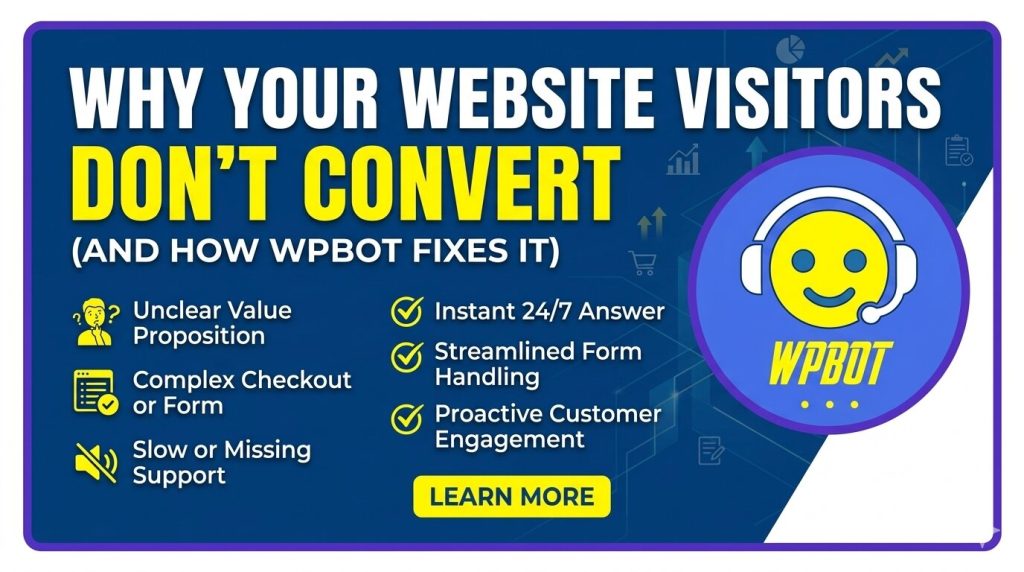
Most websites fail to convert because they don’t guide visitors, answer questions instantly, or remove friction. WPBot fixes this by acting like a 24/7 smart assistant—engaging visitors, qualifying leads, answering questions, and pushing users toward action in real time.
The Real Problem: Traffic Without Conversions
You’re getting visitors. That’s not the issue.
The issue is what happens after they land.
Most websites:
- Don’t engage users quickly
- Don’t answer questions instantly
- Don’t guide visitors to the next step
- Don’t capture leads efficiently
So people leave.
No clicks. No sales. No sign-ups.
Just traffic… wasted.
Why Do Website Visitors Leave Without Converting?
Let’s break it down.
1. No Immediate Engagement
People don’t like waiting.
If your website doesn’t grab attention within seconds, users bounce.
What happens:
- They land
- They scan
- They leave
No interaction. No connection.
2. Too Many Choices (Decision Fatigue)
Visitors get overwhelmed.
Too many buttons. Too many links. Too many options.
Result:
- Confusion
- Inaction
- Exit
3. Questions Go Unanswered
Visitors always have questions:
- “Is this right for me?”
- “How much does it cost?”
- “Can I trust this?”
If they don’t get answers instantly, they leave.
4. No Personalization
Most websites treat every visitor the same.
But users expect personalized experiences.
Without it:
- Content feels irrelevant
- Engagement drops
- Conversion dies
5. Weak Call-to-Action (CTA)
If your CTA is unclear, people won’t act.
Bad CTAs:
- “Learn More” (too vague)
- “Click Here” (no value)
Good CTAs:
- Solve a problem
- Offer value
- Create urgency
6. No Lead Capture Strategy
Many sites don’t collect leads effectively.
No email. No contact. No follow-up.
That means:
- Lost opportunities
- No remarketing
- No growth
7. Slow Response Time
If someone has to wait for support, they leave.
Today’s expectation: instant response.
Anything slower = lost conversion.
What Is WPBot?
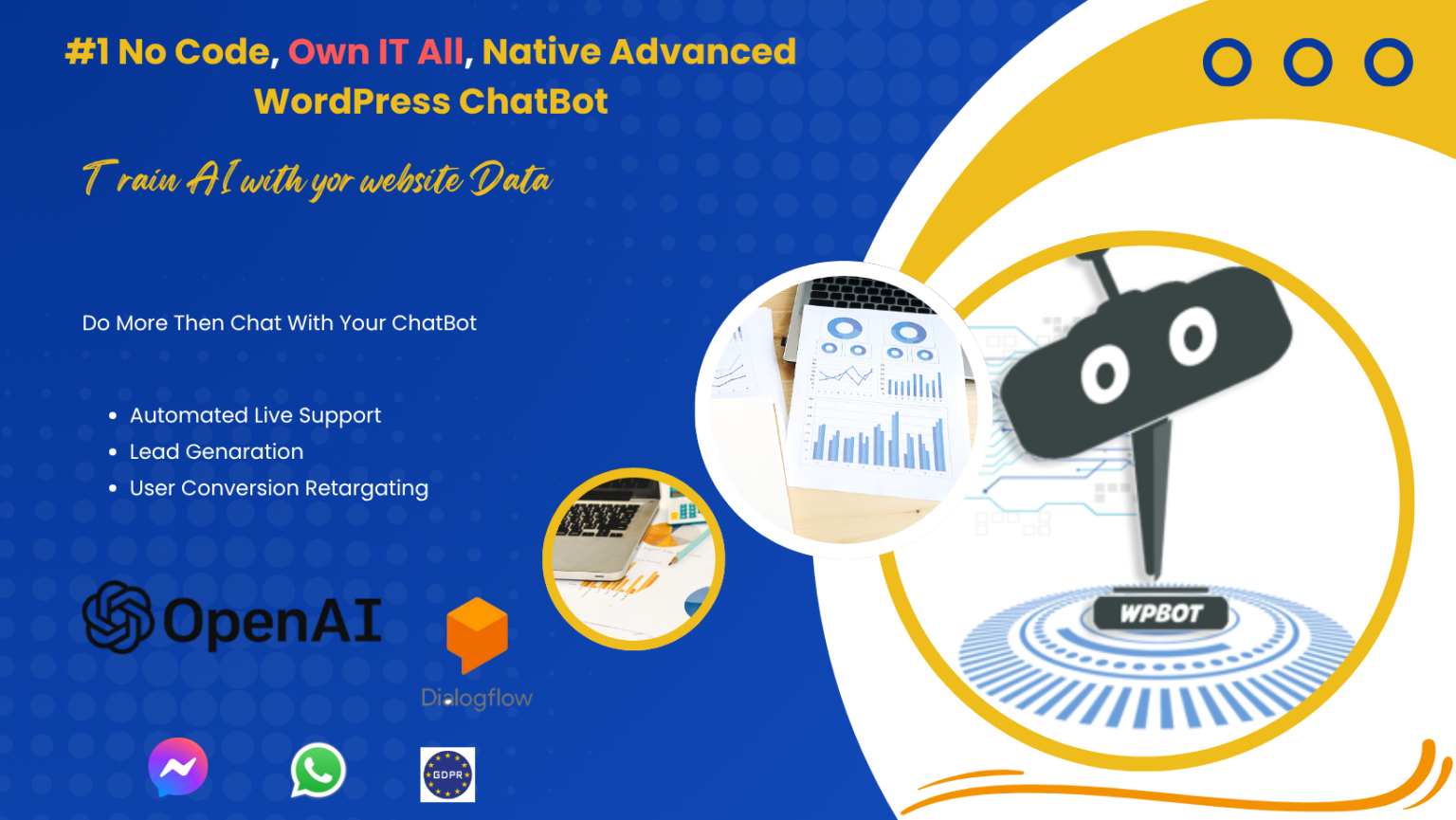
WPBot is a WordPress AI chatbot plugin designed to turn visitors into customers.
It works like a virtual assistant on your website.
It:
- Talks to visitors
- Answers questions
- Recommends products
- Captures leads
- Guides users through your funnel
All automatically.
How WPBot Fixes Conversion Problems
Let’s connect the dots.
1. Instant Engagement (No More Silent Visitors)
WPBot starts conversations automatically.
Example:
“Hi there 👋 Looking for something specific?”
That simple message:
- Stops users from leaving
- Starts interaction
- Builds trust
2. Guided User Journey
Instead of letting visitors wander, WPBot guides them.
It can:
- Ask what users need
- Suggest pages or products
- Direct users to the right action
Think of it as a navigation assistant.
3. Real-Time Answers
No waiting. No frustration.
WPBot answers questions instantly using:
- Predefined responses
- AI-powered replies
- Knowledge base integration
Result:
- Higher trust
- Lower bounce rate
- More conversions
4. Smart Lead Generation
WPBot captures leads naturally through conversation.
Instead of boring forms, it asks:
- “Can I send you more details?”
- “What’s your email?”
Why it works:
- Feels human
- Less intrusive
- Higher conversion rate
5. Personalized Experience
WPBot adapts based on user behavior.
It can:
- Recommend products
- Show relevant content
- Segment users
This makes visitors feel understood.
6. 24/7 Availability
No breaks. No delays.
WPBot works all the time.
That means:
- You never miss a lead
- You serve global audiences
- You increase conversions passively
7. Reduces Friction
WPBot removes barriers.
Instead of:
- Clicking multiple pages
- Searching manually
Users just ask.
Simple. Fast. Effective.
Key Features of WPBot That Drive Conversions
Here’s what makes WPBot powerful:
Core Conversion Features
- Live Chat + AI Chatbot hybrid
- Conversational lead capture
- WooCommerce integration
- Product search & recommendation
- Exit intent engagement
- Custom triggers & flows
Marketing Features
- Email collection
- Retargeting support
- Funnel automation
- User segmentation
Support Features
- FAQ automation
- Knowledge base integration
- Instant replies
Before vs After WPBot
|
Feature |
Without WPBot |
With WPBot |
|
Engagement |
Passive |
Interactive |
|
Support |
Delayed |
Instant |
|
Lead Capture |
Forms only |
Conversational |
|
Personalization |
Limited |
Smart & dynamic |
|
Conversion Rate |
Low |
Higher |
Real Use Cases of WPBot
1. E-commerce Websites
WPBot helps shoppers:
- Find products
- Compare options
- Get recommendations
Result: More sales, less abandonment.
2. Service-Based Businesses
It qualifies leads by asking:
- Budget
- Needs
- Timeline
Result: Better leads, less wasted time.
3. Blogs & Content Sites
WPBot keeps users engaged.
It suggests:
- Related articles
- Popular posts
Result: Longer session time.
4. SaaS Websites
WPBot helps users:
- Understand features
- Book demos
- Start trials
Result: Higher signup rates.
How WPBot Fits Into Your Sales Funnel
Let’s simplify.
Top of Funnel (Awareness)
- Greets visitors
- Engages instantly
Middle of Funnel (Consideration)
- Answers questions
- Recommends solutions
Bottom of Funnel (Conversion)
- Captures leads
- Pushes CTA
- Closes sales
Why Traditional Websites Fail (And Chatbots Win)
Traditional websites are static.
Chatbots are dynamic.
Static sites:
- Wait for action
- Provide limited interaction
WPBot:
- Starts conversations
- Drives action
That’s the difference.
How to Get Started with WPBot
Step-by-Step
- Install WPBot plugin on WordPress
- Configure chatbot settings
- Add FAQs and responses
- Set lead capture flows
- Customize chatbot design
- Integrate WooCommerce (if needed)
Best Practices
- Keep messages short
- Use natural language
- Ask simple questions
- Guide users step-by-step
Common Mistakes to Avoid
Even with WPBot, mistakes can hurt conversions.
Avoid this:
- Overloading users with messages
- Asking too many questions upfront
- Ignoring analytics
- Not updating chatbot responses
Does WPBot Replace Human Support?
No.
It enhances it.
WPBot handles:
- Repetitive questions
- Basic interactions
Humans handle:
- Complex issues
- High-value conversations
FAQs
What is WPBot used for?
WPBot is used to engage visitors, answer questions, generate leads, and increase conversions on WordPress websites.
Does WPBot work with WooCommerce?
Yes. WPBot integrates with WooCommerce to:
- Search products
- Recommend items
- Assist customers
Is WPBot beginner-friendly?
Yes. It’s designed for non-technical users.
You can set it up without coding.
Can WPBot increase sales?
Yes. By improving engagement and reducing friction, WPBot helps turn visitors into paying customers.
Does WPBot support AI?
Yes. WPBot includes AI-powered features for smarter conversations and better responses.
Final Thoughts: Stop Losing Visitors
Here’s the truth.
Traffic alone won’t grow your business.
Conversions will.
If your website:
- Doesn’t engage
- Doesn’t guide
- Doesn’t respond
You’ll keep losing visitors.
It turns your website into a smart, interactive sales machine.
Want Better Results?
Start simple.
Add WPBot.
Track results.
Optimize over time.
That’s how you turn traffic into real growth.