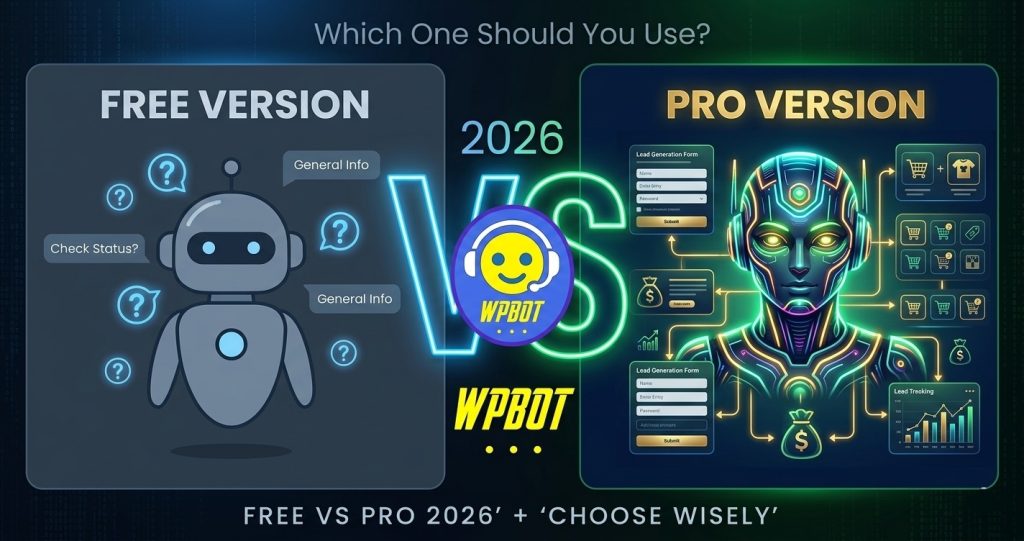
Start with the Free version to test the waters. Upgrade to Pro (Starter, Professional, or Master) when you need real lead generation, WooCommerce tools, advanced AI, or conversational forms. For most serious sites in 2026, Pro pays for itself quickly.
Hey friend, if you’re running a WordPress site and thinking about adding a chatbot, you’ve probably landed on WPBot. It’s one of the most popular native options out there. But Free or Pro? Let’s cut through the noise and decide what actually makes sense for you.
What is WPBot?
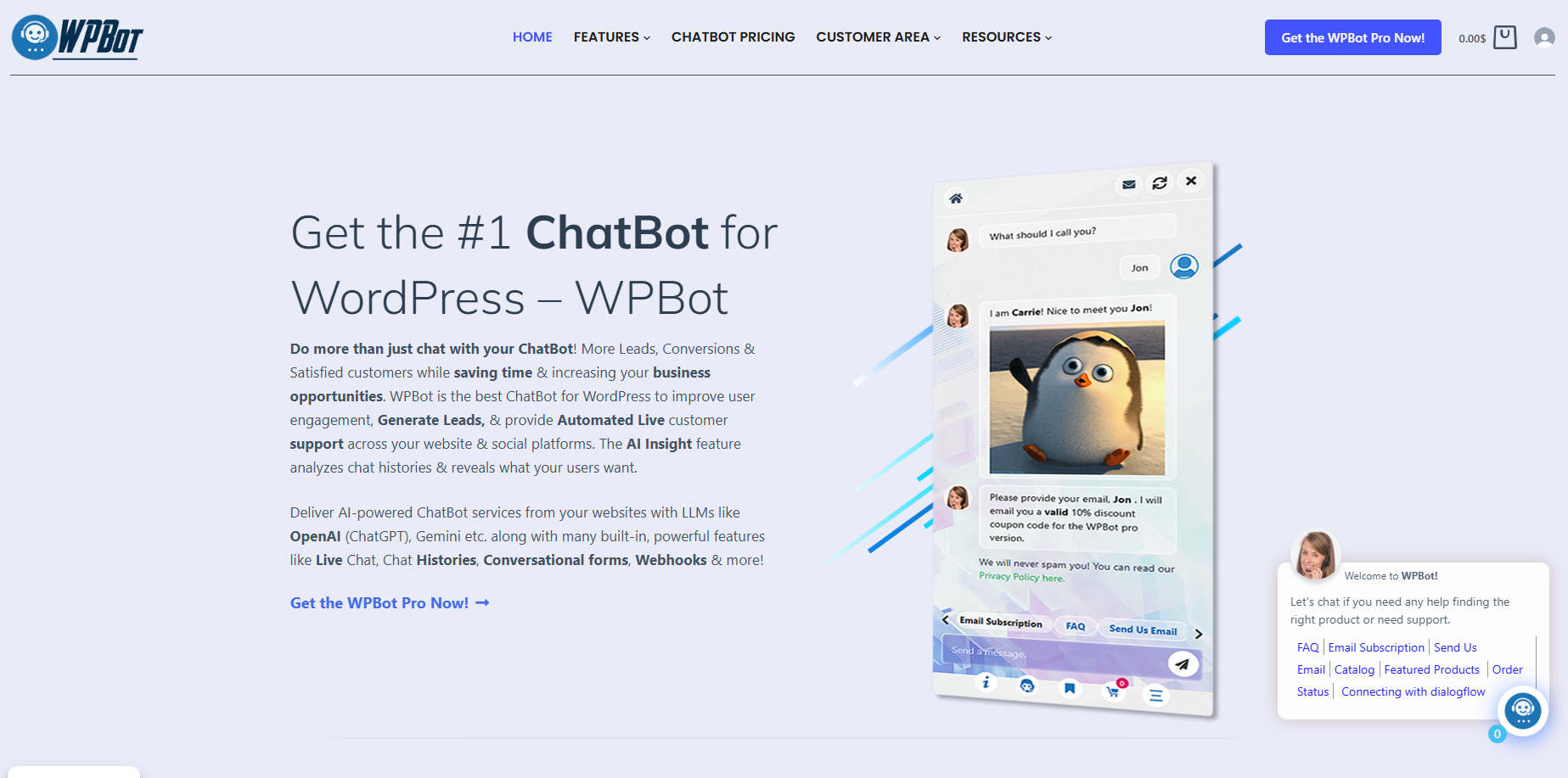
WPBot is a WordPress chatbot plugin built by QuantumCloud. It lets you add an AI-powered or rule-based chatbot directly on your site without leaving the dashboard.
No heavy SaaS monthly fees. Everything runs on your server. You get basic features for free on WordPress.org, and paid upgrades unlock serious business tools.
It supports simple button conversations, AI via OpenAI/ChatGPT or Dialogflow, site search, lead capture, and deep WooCommerce integration.
Why Compare Free vs Pro Right Now in 2026?
Chatbots have evolved fast. Visitors expect instant answers, product recommendations, and easy lead forms. The free version handles basics well. Pro turns it into a 24/7 sales and support machine.
Busy site owners don’t want to waste time on tools that stop working when traffic grows. This comparison helps you choose without regret.
WPBot Free Version: What You Actually Get
The free WPBot plugin on WordPress.org is genuinely useful for beginners.
Core Free Features:
- Plug-and-play chatbot widget
- Simple text-based responses and FAQ answers
- Button-driven conversations
- Multi-language support (change texts easily)
- RTL language ready
- Basic customization of bot avatar, colors, and position
- Hyperlinks in responses
- Works with most themes
You can set it up in minutes and start answering common questions automatically. Perfect for personal blogs, small portfolios, or testing the concept.
Realistic Limitations:
- No advanced AI (basic responses only)
- No WooCommerce integration
- Limited lead capture and forms
- No chat history or sessions
- No conversational forms or conditional logic
- Basic search only
- No premium support
It works great until your site needs more than simple FAQs.
WPBot Pro Plans Breakdown (2026 Pricing)
WPBot offers clear yearly and lifetime options. No surprise subscriptions.
Starter Plan (~$39/year or $149 lifetime, 1-5 sites):
- Core Pro features
- Chat sessions and history
- Extended search module
- Basic LLM AI & Dialogflow
- RAG vector knowledge base (basic)
- Premium support
Professional Plan (~$99/year or $279 lifetime, 2-10 sites):
- Everything in Starter
- Simple text responses Pro module
- Conversational forms module
- WooCommerce module
- Advanced OpenAI (fine-tuning, assistants)
- Better RAG and document upload
Master Plan (~$189/year or higher lifetime, up to 50 sites):
- Everything in Professional
- Live human chat handover
- Advanced multilingual features
- White-label options
- More sites and full power
Lifetime deals save money long-term and give peace of mind.
Side-by-Side Feature Comparison Table
|
Feature |
Free Version |
Starter |
Professional |
Master |
|
Basic Chatbot & FAQs |
Yes |
Yes |
Yes |
Yes |
|
Button Conversations |
Yes |
Yes |
Yes |
Yes |
|
AI Integration (OpenAI) |
Limited |
Basic |
Advanced |
Advanced |
|
Conversational Forms |
No |
Limited |
Yes |
Yes |
|
WooCommerce Integration |
No |
No |
Yes |
Yes |
|
Chat History & Sessions |
No |
Yes |
Yes |
Yes |
|
Advanced Search / RAG KB |
Basic |
Yes |
Enhanced |
Enhanced |
|
Live Chat Handover |
No |
No |
Optional |
Yes |
|
Document Upload & Training |
No |
Basic |
Yes |
Yes |
|
Number of Sites |
1 |
1-5 |
2-10 |
Up to 50 |
|
Premium Support |
No |
Yes |
Yes |
Yes |
|
Lifetime Option |
– |
Yes |
Yes |
Yes |
This table shows exactly where each plan shines.
What Changes When You Go Pro?
1. Smarter AI Conversations Free gives keyword matching. Pro connects to OpenAI or Dialogflow for natural, context-aware replies. Train the bot on your own site content using RAG (Retrieval Augmented Generation). Visitors ask complex questions and get accurate answers.
2. Lead Generation That Actually Works Pro conversational forms let you build calculators, appointment bookers, quizzes, and conditional forms inside the chat. Collect names, emails, phone numbers, and preferences smoothly. Data saves to your database and emails you.
3. WooCommerce Superpowers Show featured products, sale items, check order status, search catalog, recover abandoned carts, and even negotiate prices. This feature alone can boost sales for online stores.
4. Better User Experience & Analytics Chat history, session tracking, and handover to live agents when needed. You see what visitors ask and improve responses over time.
5. Time Savings & Scalability Handle 80% of support questions automatically. Scale to multiple sites easily with higher plans.
Real Use Cases: When Free Is Enough vs When Pro Wins
Stick with Free if:
- You run a simple blog or portfolio
- You only need basic FAQs
- Budget is very tight
- You’re just experimenting
- Low traffic site (<1k visitors/month)
Upgrade to Pro if:
- You sell products or services
- You want to capture leads 24/7
- You have WooCommerce store
- You need AI that understands your business
- You get support questions repeatedly
- You run multiple client sites (agencies love Master)
Example: A real estate agent using Pro books viewings automatically. An e-commerce store reduces cart abandonment. A consultant qualifies leads while sleeping.
Performance, Speed & Security in 2026
WPBot is lightweight because it runs natively on WordPress. Free and Pro both load fast if you optimize. Pro adds more features but still performs well on decent hosting.
Security: Self-hosted means better data control. Enable GDPR settings. Pro gives more tools for compliance.
Always keep WordPress, theme, and plugin updated.
How Much Does WPBot Really Cost You?
Free: $0 + your time setting responses. Pro Yearly: $39–$189 depending on plan. Lifetime: One payment, use forever (even without renewal in many cases).
Compare to SaaS chatbots charging $50–$500/month per site. WPBot often wins on long-term cost.
ROI Calculation Tip: If Pro helps you get 5 extra leads per month worth $100 each, it pays for itself in weeks.
How to Install and Test WPBot Free Right Now
- Go to WordPress dashboard → Plugins → Add New.
- Search “WPBot” or “ChatBot”.
- Install and activate.
- Set your email for notifications.
- Add basic responses and place the widget.
- Test on your site.
Takes under 10 minutes.
When and How to Upgrade to Pro
Buy from the official site. Upload the Pro plugin. It extends the free version seamlessly. No need to start over.
Start with Starter or Professional. You can upgrade later.
Pro Tip: Grab lifetime if you plan to use it for years. Saves big.
Common Questions New Users Ask
Can I use AI without Pro? Basic only. Full power needs Professional+.
Does it slow down my site? Usually no. Use good hosting and caching.
Is it beginner friendly? Yes. No coding needed for most features.
Multi-language support? Free has basic. Master has advanced.
Final Verdict: Which One Should You Choose?
- Beginner or tiny site? → Start Free today.
- Growing business or store? → Go Pro (Professional recommended for most).
- Agency or multiple sites? → Master Lifetime.
In 2026, the free version proves the concept. Pro delivers real results: more leads, higher sales, less support work.
Most users who start free end up upgrading within 1–3 months once they see the potential.
Ready to try? Install the free version now and play with it. Then decide.
Frequently Asked Questions (FAQ)
Is WPBot Free version enough for my blog? Yes for basic FAQs and engagement. Upgrade when you need leads or advanced AI.
What’s the best WPBot plan for WooCommerce? Professional or Master. They include the full WooCommerce module.
Can I get a refund if I don’t like Pro? Check the official policy on wpbot.pro at purchase time.
Does WPBot work with Elementor, Divi, or Gutenberg? Yes. It works with almost all themes and builders.
How good is the AI compared to ChatGPT plugins? Strong because it combines rules + AI + your site data. Better control than pure ChatGPT wrappers.
Is lifetime license really lifetime? Yes, you keep using the version even if you don’t renew support/updates.
This guide should help you decide confidently. Have questions about your specific site? Drop a comment or try the free version first.
What are you using right now — Free or thinking of Pro? Let me know below.