Table of Contents
Introduction
What is This Plugin?
This plugin allows you to create automated workflows in WordPress using a visual no-code builder.
You can:
- Trigger workflows when something happens (user registers, post published, etc.)
- Perform actions automatically (send webhook, update data, etc.)
- Use pre-built workflow templates
- Connect with external systems via Webhooks
No coding required.
Getting Started
After activation:
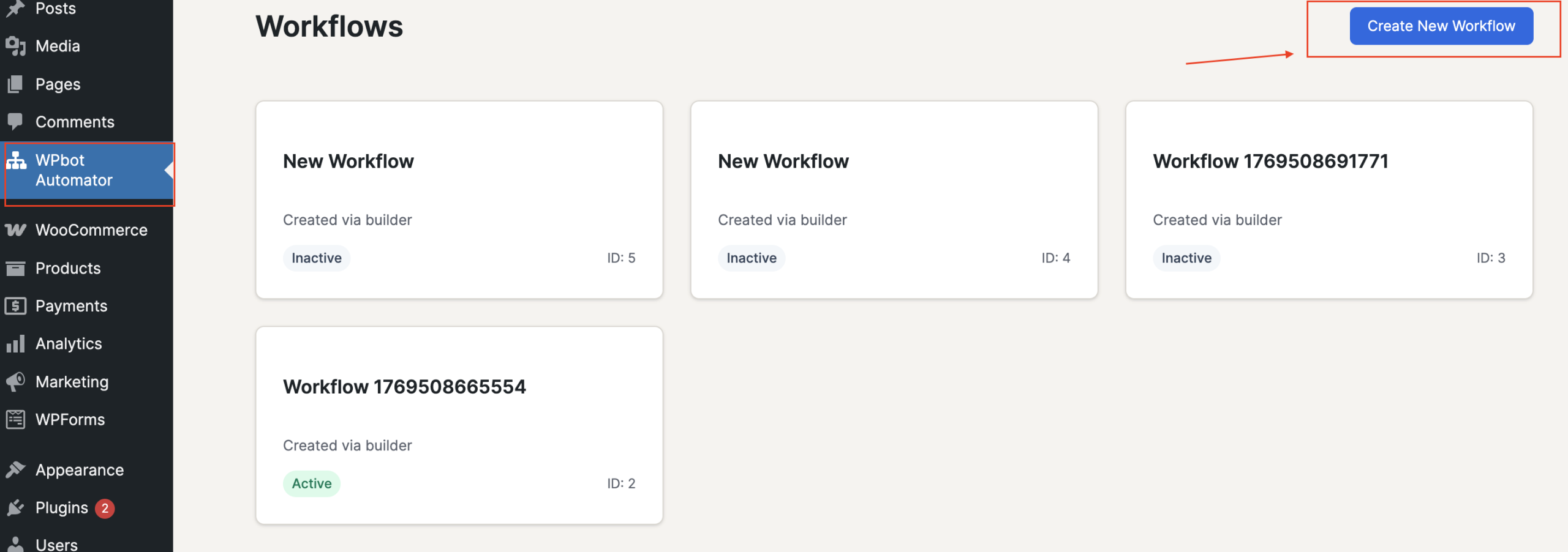
- Go to:
Dashboard → Workflows - Click:
Add New Workflow
You’ll see the Visual Workflow Builder.
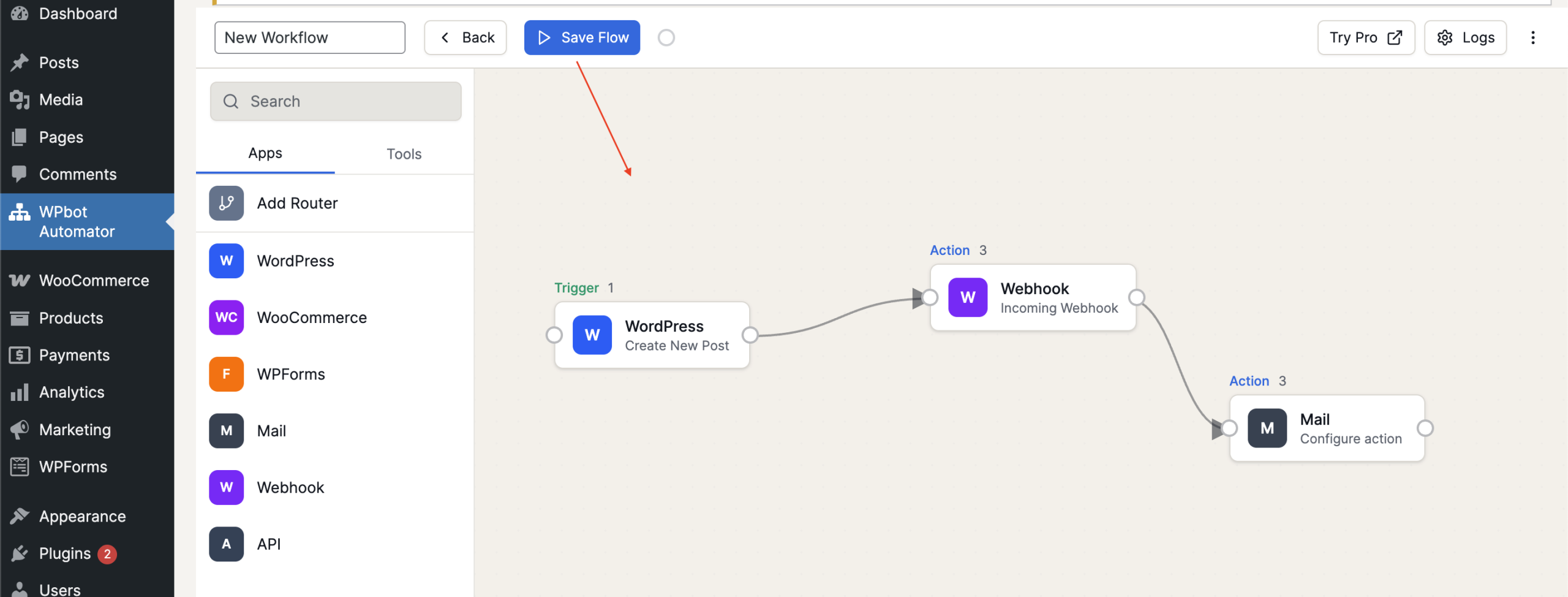
What is the Visual Builder?
The Visual Builder allows you to:
- Drag triggers
- Add actions
- Connect steps
- Configure settings
- Activate workflow
Basic Workflow Structure
Trigger → Action → Action → Action
How to Create a Workflow
Step 1: Add Trigger
Click + Add Trigger
Select from:
- User Events
- Post Events
- Comment Events
- Media Events
- WPForms
- Webhook
Step 2: Configure Trigger
Each trigger has settings.
Example:
- User Register → No extra config
- Post Publish → Select post type
Click Save Trigger
Step 3: Add Action
Click + Add Action
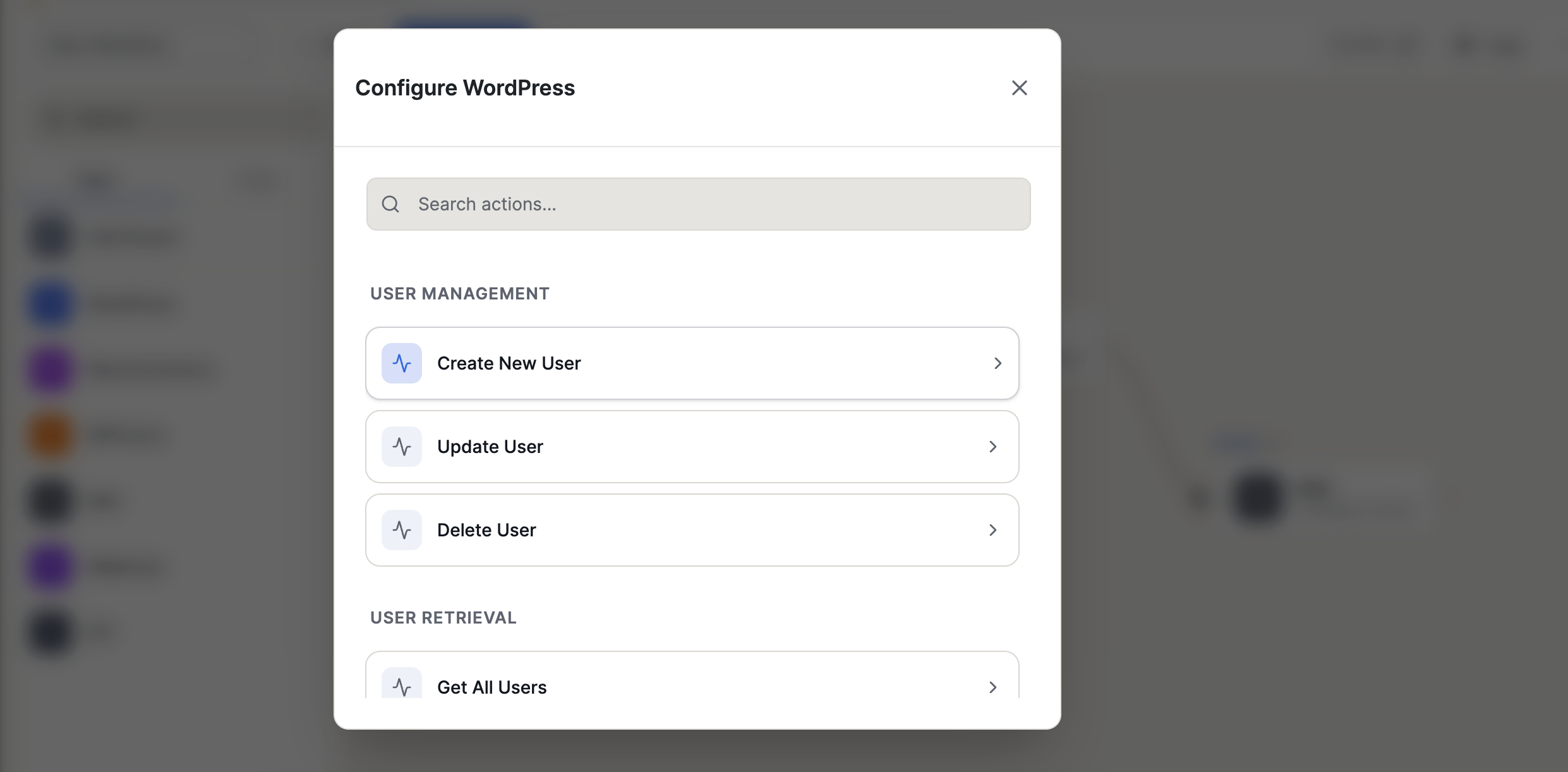
Choose action type:
- Send Webhook
- Update Post
- Create Post
- Send Email
- etc.
Configure action settings.
Click Save Action
Step 4: Activate Workflow
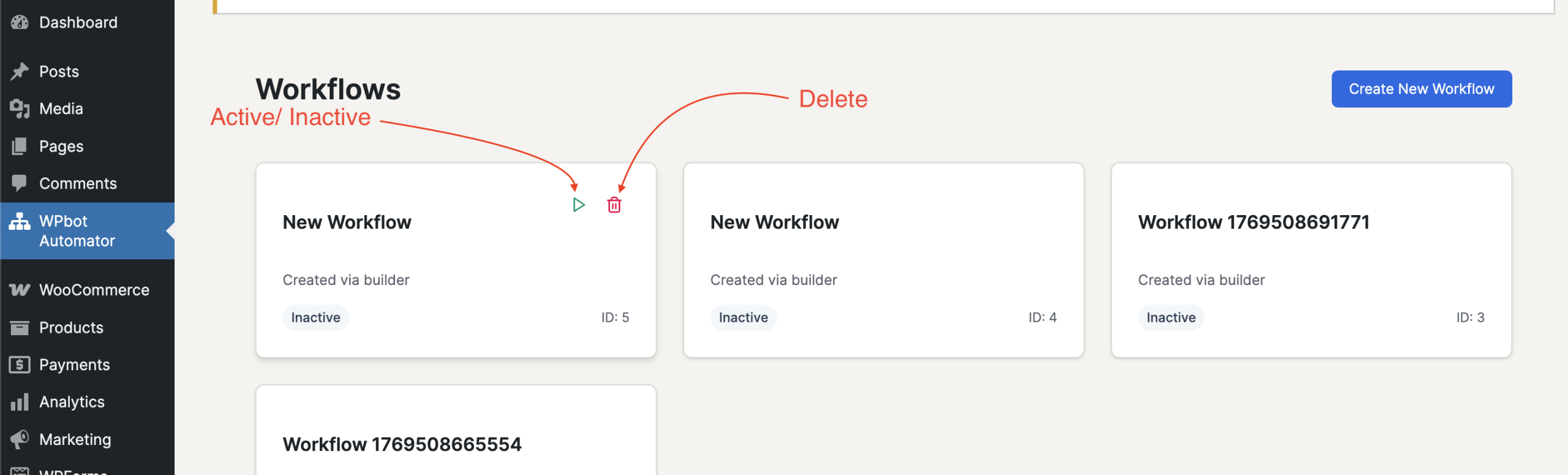
Toggle:
Inactive → Active
And can also delete.