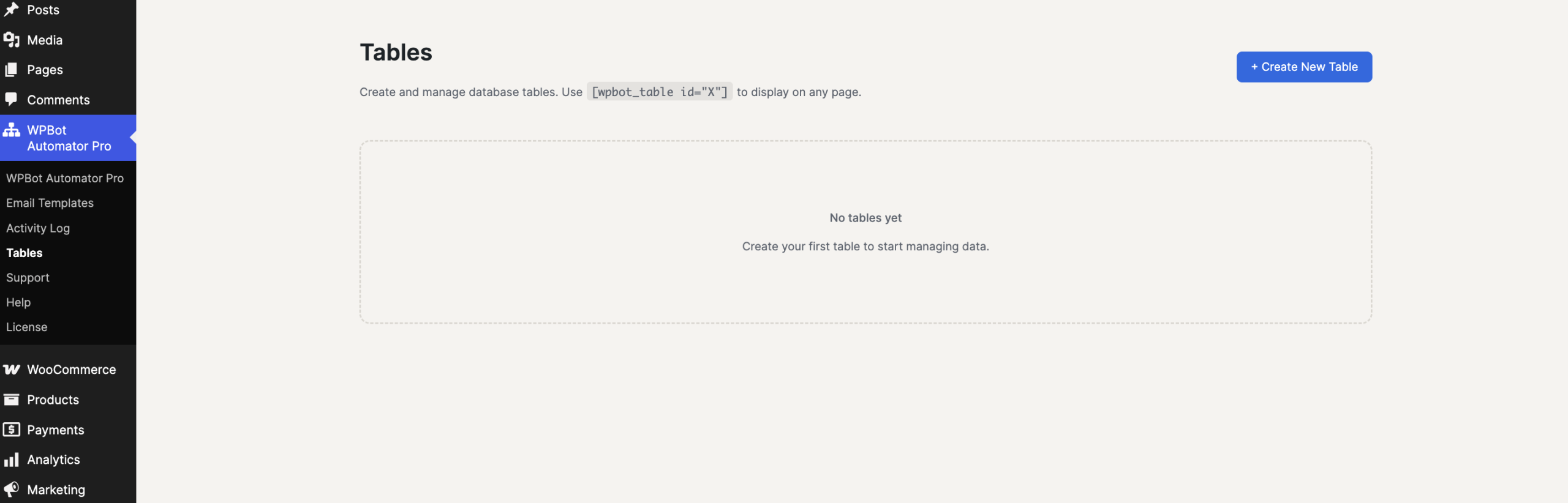
Tables management screen inside the WPBot Automator Pro WordPress plugin.
This feature allows you to create custom database tables directly within WordPress to manage data, and then display those tables on your front-end website using a simple shortcode.
Here is a quick guide on how to get started based on what is shown in your screenshot:
1. Create a Table
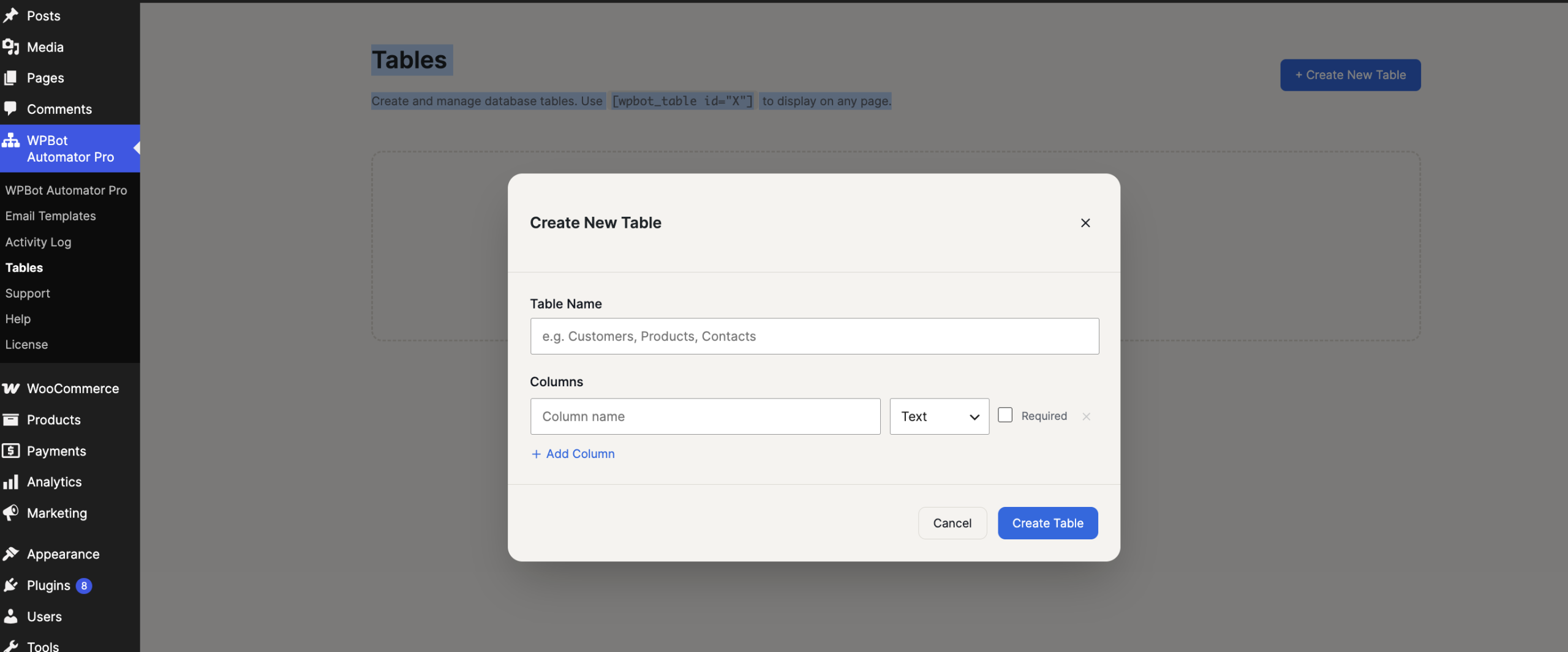
Click the blue + Create New Table button in the top right corner. You will likely be prompted to:
-
Give your table a name.
-
Define your columns (e.g., Name, Email, Status, Date).
2. Display the Table on Your Website
Once a table is created, the system will generate a unique ID for it. To show this table inside any WordPress post, page, or widget, use the shortcode provided in the description:
[wpbot_table id="X"](You will replaceXwith the actual ID number of your created table, for example:id="1")