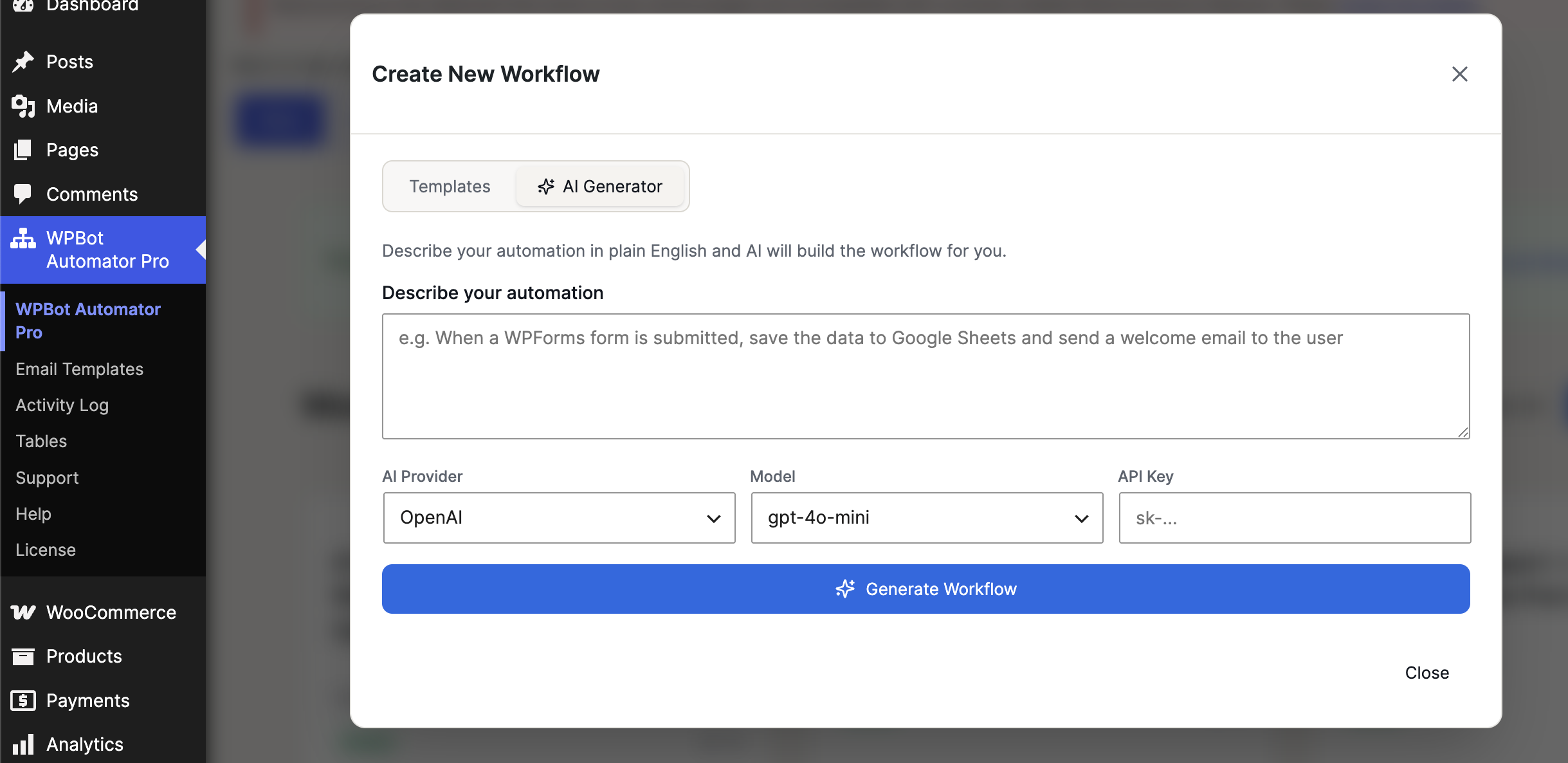
The AI Workflow Generation feature allows you to create automation workflows by describing your requirements in plain English. The AI analyzes your request and generates a ready-to-use workflow with the appropriate triggers, actions, and logic.
This feature is ideal for users who want to quickly build automations without manually selecting and configuring each workflow step.
How It Works
- Navigate to WPBot Automator Pro → Create New Workflow.
- Open the AI Generator tab.
- Enter a description of the automation you want to create.
- Select your preferred AI provider.
- Choose an AI model.
- Enter your API key.
- Click Generate Workflow.
The AI will automatically create the workflow based on your description.
Example Workflow Requests
You can describe your automation in simple language, such as:
Form Submission Automation
When a WPForms form is submitted, save the data to Google Sheets and send a welcome email to the user.