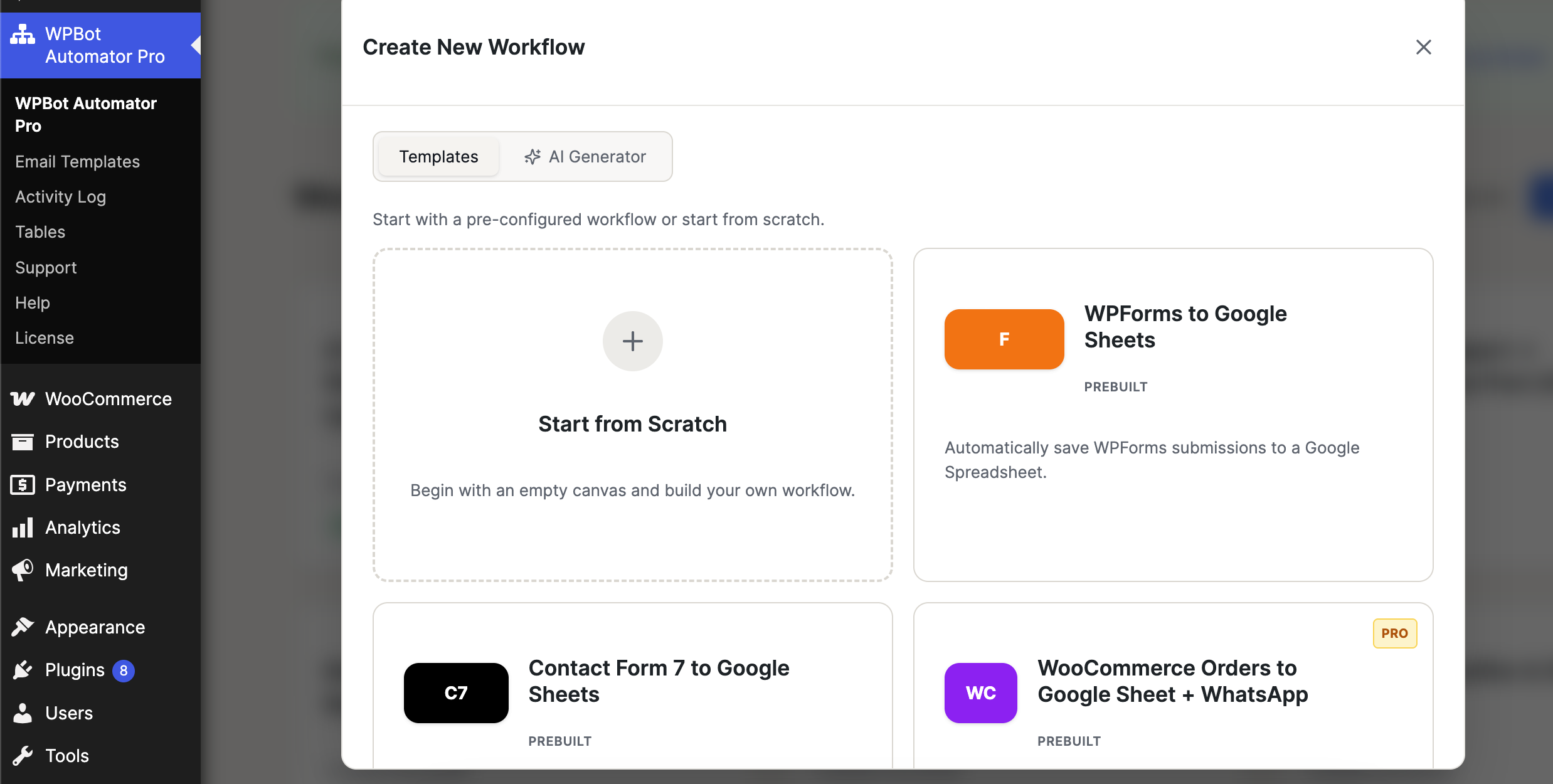
Prebuilt Templates are professionally designed automation workflows that include predefined triggers, actions, and settings for common business use cases.
They allow you to launch automations in just a few clicks without needing to manually configure every workflow step.
Accessing Templates
- Navigate to WPBot Automator Pro → Create New Workflow.
- Select the Templates tab.
- Browse the available templates.
- Click on a template to create a workflow from it.
- Configure any required settings and activate the workflow.
Start from Scratch
Create a completely custom workflow using the visual workflow builder.
Best for:
- Unique automation requirements
- Advanced workflow configurations
- Custom business processes
What it does:
- Opens a blank workflow canvas
- Allows you to manually add triggers, actions, and conditions
- Gives full control over workflow design
Available Prebuilt Templates
Get started faster with ready-made workflow templates designed for common automation scenarios. Prebuilt Templates eliminate the need to create workflows from scratch by providing pre-configured triggers, actions, and settings that are ready to use.